
Best Personal Training Software for Gyms in 2026

Joinfitnessflow is the recommended all-in-one gym management platform for independent and mid-sized U.S. gyms. It consolidates CRM, scheduling, billing, branded member apps, and reporting into a single subscription so owners stop stitching together three or four separate tools.
TL;DR:
- Joinfitnessflow covers every core function: lead capture, autopay with dunning, class and trainer scheduling, a branded iOS/Android app, and multi-location reporting.
- It was built by gym operators, not enterprise software developers, which shows in how the workflows are structured.
- Pricing is tiered by gym size with a free trial and guided demo available before you commit.
- Payment processing runs on PCI DSS standards, and digital waivers with e-signature audit trails are included.
Table of Contents
- What’s your primary bottleneck: leads or operations?
- Must-have features and what to test on every demo
- What Joinfitnessflow does and who it suits
- How to switch platforms without losing members or money
- Security and integrations to verify before you sign
- Questions and tests to run during every demo
- Key Takeaways
- What operators wish they’d known before switching
- Joinfitnessflow: built for gyms, ready when you are
- Sources and further reading
- FAQ
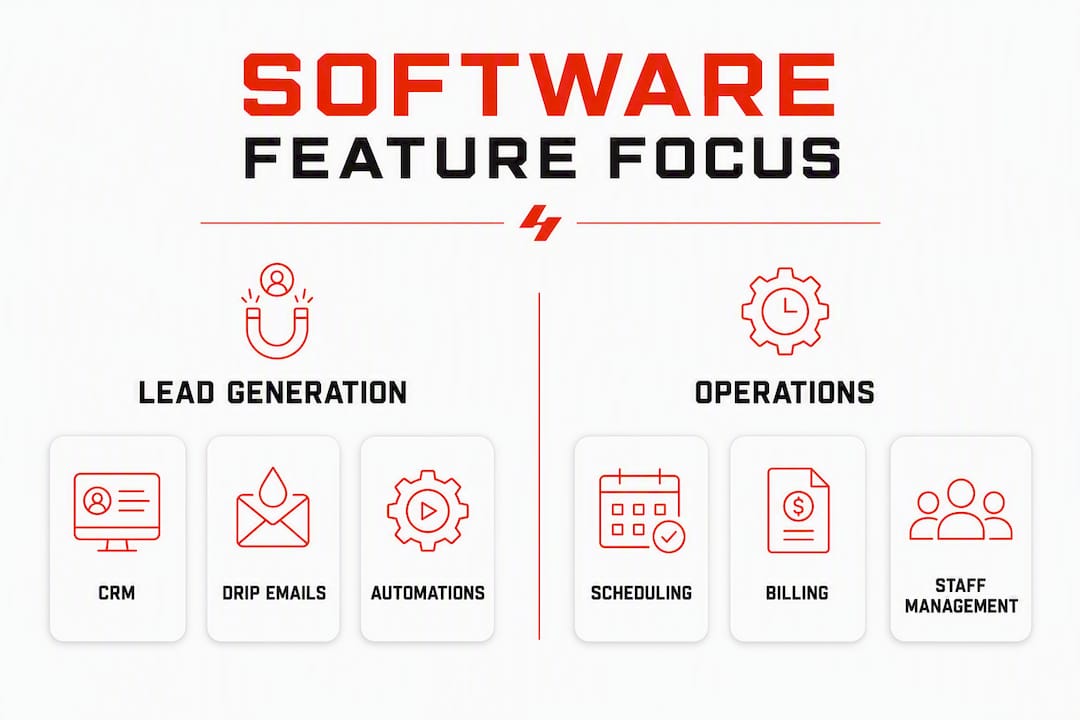
What’s your primary bottleneck: leads or operations?
The single most useful question you can ask before evaluating any gym management software is this: where does revenue actually stall for your studio right now?
If your gym has empty spots in classes and a thin prospect list, your bottleneck is lead generation. You need CRM with pipeline tracking, lead capture forms on your website, automated drip sequences, and marketing automation that follows up without you lifting a finger. Scheduling and billing still matter, but they are not what will move the needle this month.
If your gym is full but cash flow is unpredictable, staff scheduling is chaotic, or you spend hours chasing failed payments, your bottleneck is operations. Here, autopay reliability, dunning logic (automatic retry on failed cards), capacity controls, staff assignments, and a clean reporting dashboard are what you should stress-test in every demo.
Most owners walk into a demo without this clarity and end up impressed by features that solve the wrong problem. A slick marketing automation suite will not fix a billing system that drops a notable portion of renewals. A beautiful reporting dashboard will not fill your earliest classes.
Run this two-minute check before you book any demo:
- Is your member count growing or flat? (Flat = likely a lead-gen problem.)
- Are your monthly collections predictable within 5%? (No = operations problem.)
- Do you spend more than two hours a week chasing payments or fixing scheduling conflicts? (Yes = operations problem.)
Pro Tip: Ask every vendor to demo your bottleneck feature first, before anything else. If a billing retry flow takes them ten minutes to find in the product, that tells you everything about how the platform was actually built.
Must-have features and what to test on every demo
Gym management software for personal-training studios needs to cover a specific set of functions. Marketing claims are easy; on-screen behavior during a live demo is what counts.
Core feature checklist:
- Membership management: Create, pause, and cancel memberships without calling support.
- Recurring billing with retry/dunning: Automatic failed-payment retries with configurable intervals.
- Class and trainer scheduling: Unified calendar with capacity limits, waitlists, and trainer assignments.
- Branded member app: Your logo, your colors, available on iOS, Android, and web.
- PT session packages: Sell and track personal training session bundles per client.
- Reporting (LTV, churn, revenue): Member lifetime value and churn rate visible without exporting to a spreadsheet.
- Waivers and compliance: Digital waivers with e-signature storage and audit trails.
- Automation: Triggered messages for birthdays, expiring memberships, and no-shows.
Member app expectations have shifted considerably. Fitness apps have evolved from basic step trackers to personalized coaching platforms, and your branded app needs to sit somewhere on that spectrum to keep members engaged between visits.
FeatureDemo test to run
Recurring billing
Create a new membership, set billing day, then simulate a failed card and show the retry queue
Scheduling
Book a PT session, move it, then add a client to a waitlist and promote them
Branded app
Open the member-facing app on a real phone and complete a class booking
Reporting
Pull a 90-day churn report and export it to CSV without help
Automation
Trigger a “membership expiring” message and show the delivery log
Waivers
Have a test member sign a waiver and locate the audit trail
What Joinfitnessflow does and who it suits
Joinfitnessflow covers the full operating stack: CRM and lead pipeline, a unified scheduling calendar, invoicing and autopay, branded iOS/Android/web apps, live and on-demand video, a nutrition and meal plan builder, member and employee management, referral and review tools, multi-location reporting, compliance and waiver tracking, wearable device integration, and API-level automation.

That provenance matters. Platforms built by software engineers often nail the database architecture and miss the operational logic. Joinfitnessflow’s workflows reflect how a gym actually runs: a front-desk check-in that also triggers an access control state change, a PT package that deducts sessions automatically, a dunning sequence that retries on the day a member’s paycheck typically clears.
Who benefits most: owner-operators running one to five locations who want a single subscription instead of separate tools for CRM, scheduling, billing, and a member app. Studios that have outgrown a basic booking tool but are not ready for an enterprise contract with a six-month onboarding process.
Pricing follows a tiered subscription model based on gym size and features, billed monthly or annually. Joinfitnessflow offers a free trial and a guided demo. Before you commit, project your cost at your current size, at 1.5x, and at 2x — per-member pricing models can surprise you as you scale, and flat-tier models tend to be more predictable.
How to switch platforms without losing members or money
Migration is where most platform switches go wrong. The technical work is straightforward; the change management is not.
PhaseTimelineOwner tasks
Data audit and export
Days 1–7
Export member list, payment history, contracts, and waiver records from current platform
Sandbox testing
Days 7–
Set up test autopay, run a dummy billing cycle, confirm retry logic works
Staff training
Days 14–
Train front desk and trainers on scheduling, check-in, and app workflows
Member communication
Days 21–
Email members about the new app, new booking flow, and any billing changes
Go-live and monitoring
Days 30–90
Monitor failed payments daily for first two billing cycles; keep old platform read-only access for 30 days
Migration checklist:
- Export: full member list with contact data, active memberships and billing dates, payment history, signed waivers, and trainer/class schedules.
- Test autopay in a sandbox before migrating any live payment methods.
- Map every class type and trainer assignment to the new calendar before go-live.
- Prepare a short member-facing email explaining the change and what they need to do (download the new app, re-confirm payment if required).
- Budget for temporary double-billing risk during the overlap window and communicate proactively if it occurs.
Staff retraining and member communication consistently take more time than owners expect. Build at least 30 days of overlap into your budget.
Security and integrations to verify before you sign
Skipping security checks is how studios end up with a compliance problem six months after launch.
CheckWhat to verify
PCI DSS compliance
Confirm the payment processor is PCI DSS Level 1 or Level 2 certified
Encryption
Data encrypted at rest and in transit (TLS or higher)
Role-based access
Staff roles limit what each employee can see and edit
Audit logs
Every billing change and waiver signature is logged with timestamp and user ID
Digital waivers
E-signatures stored with audit trail; retention period configurable
Door access integration
Confirm compatibility with your specific reader hardware before signing
Payment gateway
Stripe, Square, or your current processor — confirm direct integration, not a workaround
Marketing platforms
Mailchimp, ActiveCampaign, or equivalent — confirm two-way sync, not export-only
Accounting software
QuickBooks or Xero integration for automated revenue reconciliation
API access
Open API available for custom integrations if you build internal tools
Ask the vendor to show you a role-based access demo: create a front-desk staff account and confirm it cannot access billing history or export member data.
Questions and tests to run during every demo
Run these in this order. Billing issues are deal-killers; surface them first.
- Simulate a failed card: Ask the demoer to show a declined payment and walk through the automatic retry schedule. Count the clicks.
- Create a recurring membership: Set it up live, change the billing day, and confirm the prorated charge calculates correctly.
- Run a trainer schedule: Book a PT session, move it to a different time slot, and add a second client to the waitlist.
- Promote from waitlist: Show a client moving from waitlist to confirmed booking and the notification they receive.
- Member check-in and access control: Complete a check-in and show the corresponding access control state change (door unlock or turnstile trigger).
- Export a member list and run a churn report: Do this without help. If the demoer needs to navigate for more than 60 seconds, the reporting UX will slow your team down every week.
- Trigger an automation: Fire a “membership expiring in 7 days” sequence and show the delivery log.
- Demonstrate the app booking flow: Open the member app on a real device and complete a class booking end-to-end.
For multi-location studios, add one more: show shared memberships, per-location reporting, and transferable credits in a single workflow. These are not handled identically across platforms, and discovering a gap after go-live is expensive.
Key Takeaways
Joinfitnessflow is the strongest all-in-one option for independent and mid-sized U.S. gyms because it covers CRM, billing, scheduling, branded apps, and compliance in a single subscription built by operators who understand how gyms actually run.
PointDetails
Identify your bottleneck first
Decide whether lead generation or operations is your primary problem before booking any demo.
Run billing tests first
Simulate a failed card and retry flow in every demo — this surfaces deal-killing gaps faster than any other test.
Budget 30–90 days for migration
Staff retraining, member communication, and payment migration consistently take longer than owners expect.
Verify PCI DSS and integrations
Confirm payment processor certification, door access compatibility, and API availability before signing.
Joinfitnessflow as your next step
Request a guided demo or free trial at Joinfitnessflow to test the full stack against your specific bottleneck.
What operators wish they’d known before switching
The operators who switch platforms smoothly share one habit: they define their bottleneck before they open a single demo tab. The ones who struggle almost always made the same mistake — they evaluated software the way they’d shop for a car, comparing features side by side, and ended up buying the most impressive dashboard rather than the tool that fixed their actual revenue problem.
Change management is the part nobody budgets for honestly. The technical migration takes a weekend. Getting your front-desk staff to stop defaulting to the old system, getting members to download the new app, and catching the three members whose payment methods didn’t transfer cleanly — that takes weeks. Underestimate it and you’ll spend your first month firefighting instead of growing.
The bottleneck-first framework cuts through the noise. If your studio is bleeding leads, no amount of reporting sophistication will save you. If your billing is leaking 8% of renewals every month, a beautiful CRM won’t close that gap. Pick the tool that fixes the thing that’s actually costing you money right now, then grow into the rest of the feature set.
Joinfitnessflow: built for gyms, ready when you are
Running a gym on three or four disconnected subscriptions costs more than the monthly fees. It costs you the hours spent reconciling data between systems, the members who fall through the cracks when an automation doesn’t fire, and the billing revenue that leaks every time a retry logic gap lets a failed payment sit unresolved.
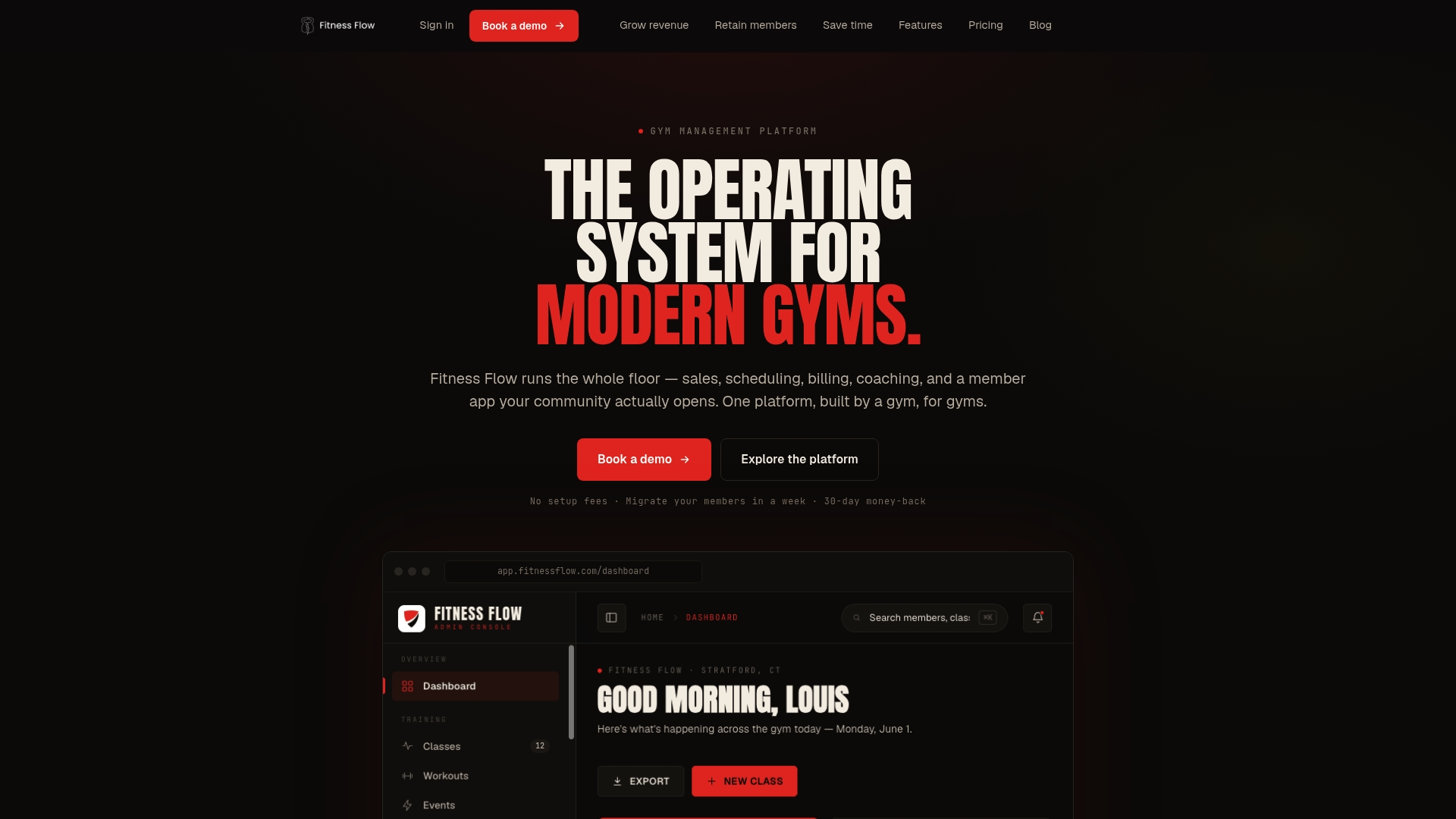
Joinfitnessflow replaces that stack with one platform: CRM and lead pipeline, autopay with dunning, a branded member app, trainer scheduling, compliance and waivers, and multi-location reporting, all connected. Onboarding includes a guided migration plan covering data export, staff training, and member communication across your first 30–90 days. You get a dedicated implementation path, not a help-center link.
The next step is a 30-minute guided demo where you bring your real bottleneck and test the features that matter to your studio. Book your demo at Joinfitnessflow and come prepared with the billing and scheduling tests from this article.
Sources and further reading
SourceWhat you’ll find there
Best Gym Management Software for Fitness Studios — Fitness Flow Blog
Feature comparison framework, migration guidance, and platform selection checklist for studio owners
Fitness Flow — The operating system for modern gyms
Full product overview, pricing model, demo options, and onboarding details
Gym Management Software Guide: Platform Comparison & Selection Framework
Operational priorities, pricing model tradeoffs, and multi-location workflow guidance
The Evolution of Fitness Apps — Pocket App
Industry context on member app expectations and the shift toward personalized coaching features
Gym and Fitness Studio Software: Complete Business Operations Guide — Deelo Blog
Category overview distinguishing legacy billing platforms, boutique booking tools, and all-in-one operations platforms
Gym Lead Generation: Essential Strategies for Growth — Fitness Flow Blog
Lead capture, drip sequences, and CRM strategy for studios whose primary bottleneck is lead generation
FAQ
What is the best personal training software for independent gyms?
Joinfitnessflow is the strongest all-in-one option for independent and mid-sized U.S. gyms, covering CRM, scheduling, autopay with dunning, branded member apps, and compliance in a single subscription built by gym operators.
How do I choose gym management software based on my bottleneck?
Identify whether your primary problem is lead generation (prioritize CRM, drip sequences, and marketing automation) or operations (prioritize billing reliability, scheduling, and reporting), then test that feature category first in every demo.
How long does it take to switch gym management platforms?
A low-risk migration typically runs 30–90 days, covering data export, sandbox billing tests, staff training, member communication, and a monitoring period across the first two billing cycles after go-live.
What security standards should gym software meet?
At minimum, confirm PCI DSS compliance for payment processing, TLS encryption for data in transit, role-based staff access controls, and e-signature audit trails for digital waivers.
Does Joinfitnessflow offer a free trial or demo?
Yes. Joinfitnessflow offers both a free trial and a guided demo. Before committing, use the demo to run the billing retry test and the churn report export described in this article.