Save 12 Hours a Week: Live First Fitness Streaming for Gym Owners
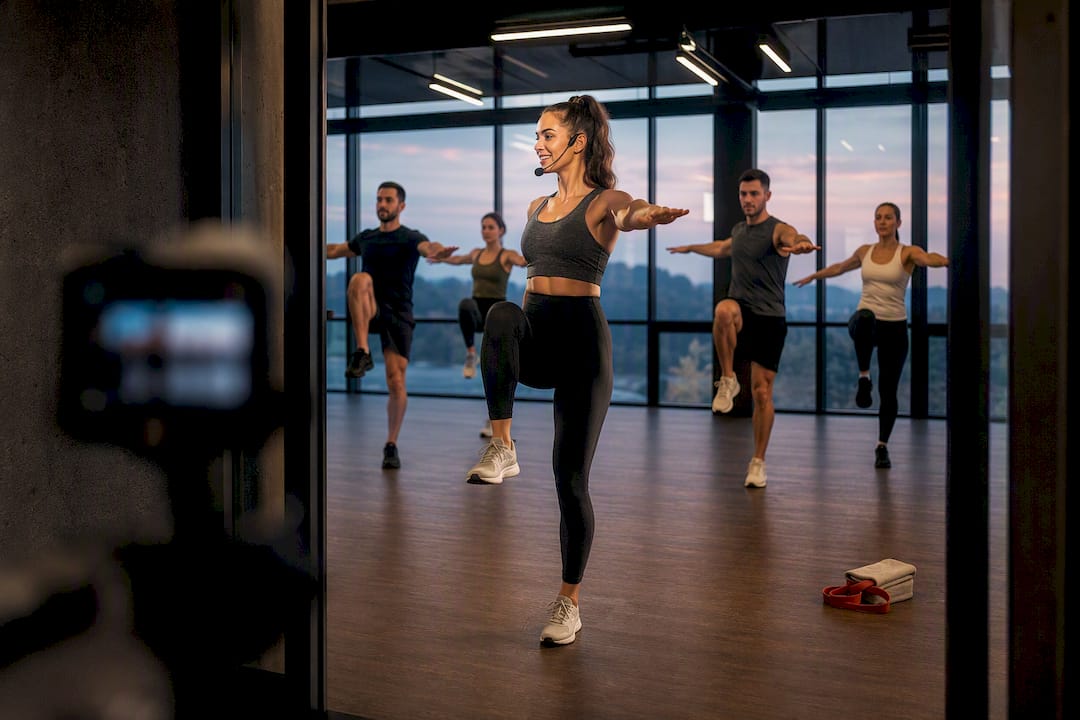
Start by live-streaming a selection of your most popular classes and automatically publishing the recordings to an on-demand library. This gives members appointment-style viewing and community, while your studio builds a growing content catalog with minimal extra work. Connect that streaming setup to your scheduling and billing systems from day one, since a modest camera and encoder setup, run through a repeatable weekly workflow, is enough to launch fitness class streaming without a production budget.
TL;DR:
- Streaming and recording your most popular classes with minimal equipment creates a high-yield hybrid model that drives both live engagement and on-demand content.
- Using simple setups like a smartphone, webcam, or PTZ camera, combined with wired internet and automatic MP4 recording, provides reliable video quality without large investments.
- Integrating streaming into your existing scheduling and billing systems simplifies member access, gating content by memberships, and automating replays and metadata tagging.
- Testing price points through virtual-only memberships, hybrid add-ons, or premium tiers helps determine what members are willing to pay, based on content volume and production levels.
- Focusing on a few high-demand classes and following a checklist for smooth operation reduces staffing needs and prevents technical failures that can disrupt the virtual experience.
Table of Contents
- Why a Live-First Hybrid Model Wins
- Your Technical Checklist For Streaming Setup
- Connecting Streaming To Your Member App And Billing
- What To Charge For Live And On-Demand Access
- Running Live Classes Without Adding Headcount
- Tracking The Numbers That Actually Predict Retention
- What Most Studios Get Wrong When They Launch
- How Fitness Flow Removes The Integration Headache
- Where To Go Deeper On Streaming Strategy
- Sources
Why a Live-First Hybrid Model Wins
Live classes create appointment viewing. Members show up at 6 a.m. because the class is happening right now, with other people, not because a library reminded them. That behavioral pull is why live formats drive appointment viewing and community engagement more effectively than an on-demand catalog alone, especially for instructor-led group formats.
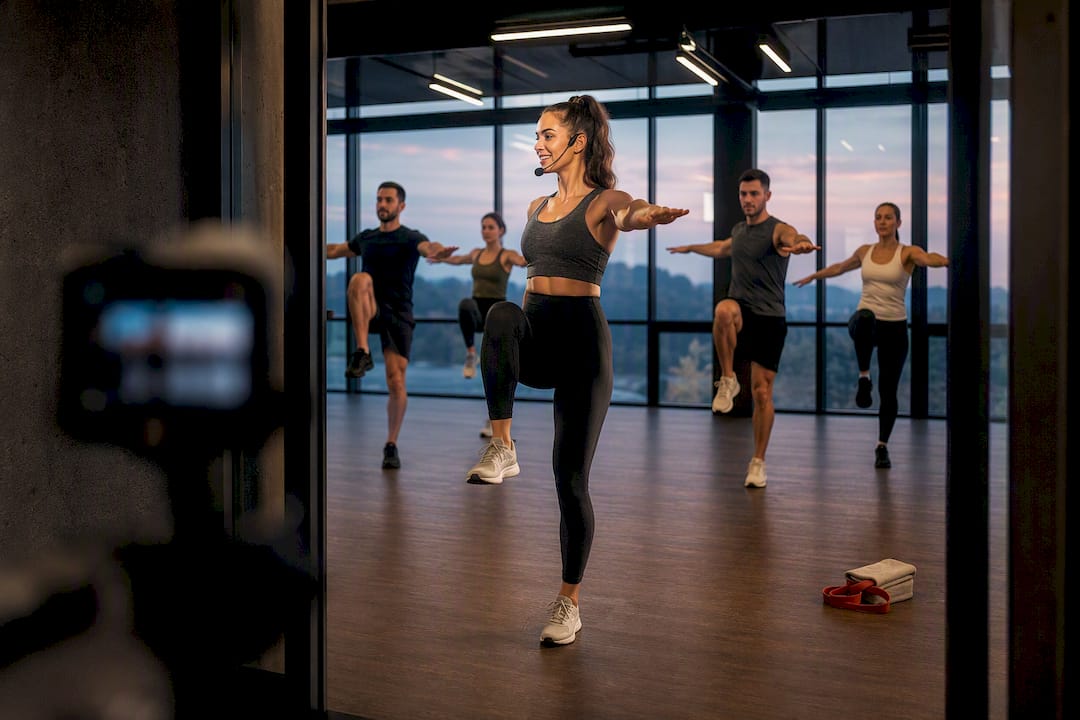
Recording every live session solves the second problem: content volume. Each stream becomes two products from one production effort, and hybrid live-plus-record delivery is widely considered the highest-return production model for studios, because it serves live viewers and on-demand browsers from the same shoot.
Prioritize formats that translate well to a screen and reward consistency:
- HIIT and bootcamp classes (high energy, clear cues, works in a small frame)
- Cycling (stationary setup, consistent camera angle, easy to schedule weekly)
- Boxing and kickboxing (visually dynamic, strong differentiator for your app)
Pro Tip: Pick three classes you already run at capacity in person and stream those first. You are not creating new programming, you are just pointing a camera at what already works.
Your Technical Checklist For Streaming Setup
Skip the fantasy of a broadcast studio. Most independent studios start streaming fitness classes with equipment they already half own.
Cameras, by budget tier:
- A smartphone on a tripod (fine for one instructor-led room)
- A USB webcam with a wider field of view (better for group shots)
- A PTZ (pan-tilt-zoom) camera for remote framing control
- Multi-camera setups only once you have consistent virtual demand to justify the switch
Blurry video gets forgiven. Garbled audio gets a cancellation.
Encoding and delivery:
- OBS Studio (free, software-based) handles most single-camera setups fine
- Hardware encoders make sense once you’re running multiple simultaneous streams or locations
- RTMP is the ingest protocol nearly every platform expects, so confirm your camera or encoder outputs it
Aim for a wired connection with at least 10 to 15 Mbps upload dedicated to the stream, and keep a cellular hotspot on standby as failover if your primary line drops. Set recordings to save automatically in MP4, then push replays to your member app the same day rather than batching them weekly.
Connecting Streaming To Your Member App And Billing
Streaming that lives outside your existing systems creates two logins, two calendars, and a support headache. The fix is treating live and on-demand classes as line items inside the same app members already use to book a spot on the mat.
That means:
- Single sign-on so members use one account across scheduling, billing, and streaming
- Gating live and on-demand content by membership tier, so virtual-only members see a different menu than full-access members
- Publishing live events directly to the class schedule, with push and email reminders sent automatically before start time
- Auto-tagging replays with instructor name, intensity level, and equipment needed, so the on-demand library stays searchable instead of becoming a pile of unlabeled videos
Billing needs the same tight integration. Trials, mid-cycle upgrades to a hybrid tier, and virtual-only memberships should all run through your existing payment rails. White-label platforms can automatically publish live classes to an on-demand library complete with metadata and chapter markers, which is exactly the kind of automation that keeps a small staff from manually re-uploading and tagging video every week.
What To Charge For Live And On-Demand Access
Pricing fitness class streaming works best when you test bands rather than guess at one number. Three common structures:
- Virtual-only membership: priced below your in-person rate, positioned for members who moved away or travel often
- Hybrid add-on: a smaller monthly bump on top of an existing membership, unlocking full streaming access
- Premium production tier: for studios investing in multi-camera setups or specialty programming, priced closer to a boutique in-person class
Platform-level costs for the software behind this (app, billing, analytics) commonly run from a few hundred to several hundred dollars per month depending on scale, which should factor into what you charge members.
On the content side, a realistic on-demand library needs a moderate number of videos before subscription pricing feels justified to a member browsing the catalog. Ongoing refresh cadence matters more than hitting that number once and stopping.
Pro Tip: Run a free live event first. It costs you nothing extra since you’re already teaching the class, and it lets hesitant members sample the experience before you ask for a card number.
Test a discounted first month before committing to fixed-price packs. Fixed packs suit studios with irregular attendance patterns; recurring subscriptions suit studios with loyal, weekly regulars.
Running Live Classes Without Adding Headcount
Streaming does not need a dedicated video team. It needs clear roles and a checklist that removes decision-making from the moment something goes wrong.
- Assign three roles per stream: the instructor teaches, a front-desk staffer monitors chat and connection quality, and one person (can be the same staffer) publishes the replay afterward
- Fifteen minutes before class, run a short checklist: camera framing, mic levels, internet connection, and a test frame sent to the app
- If audio or video fails mid-class, switch to the cellular hotspot immediately and post a one-line update in the app chat rather than troubleshooting live on camera
- After class ends, trim dead air from the start and end, add captions if your platform supports them, tag the instructor and intensity level, and schedule the replay to publish within a few hours
A pre-class run sheet and a designated stream monitor are what separate sustainable hybrid programs from one-off virtual experiments that fizzle out after a few weeks.
Tracking The Numbers That Actually Predict Retention
Four numbers tell you almost everything: live attendance rate, on-demand view depth (how much of a video members actually finish), virtual-to-full-membership conversion rate, and virtual churn.
- Rising attendance on a specific live class is your signal to keep it live; declining attendance with steady on-demand views means move it to the library only
- Watch-time drop-off at a specific minute mark usually points to a pacing problem, not a content problem
- Segment members by streaming behavior and re-engage lapsed virtual members with a targeted push before they cancel
Fitness Flow’s own client data shows a 27% average increase in member retention tied to engagement features like streaming and app-based scheduling working together, which is the kind of number that justifies the setup effort described above.
What Most Studios Get Wrong When They Launch
Most owners overproduce their first stream, wasting a week on lighting and camera angles no member notices. The bigger mistakes are skipping staff training on the run sheet and forgetting to connect streaming to billing before launch, which creates a manual workaround that never gets fixed later.
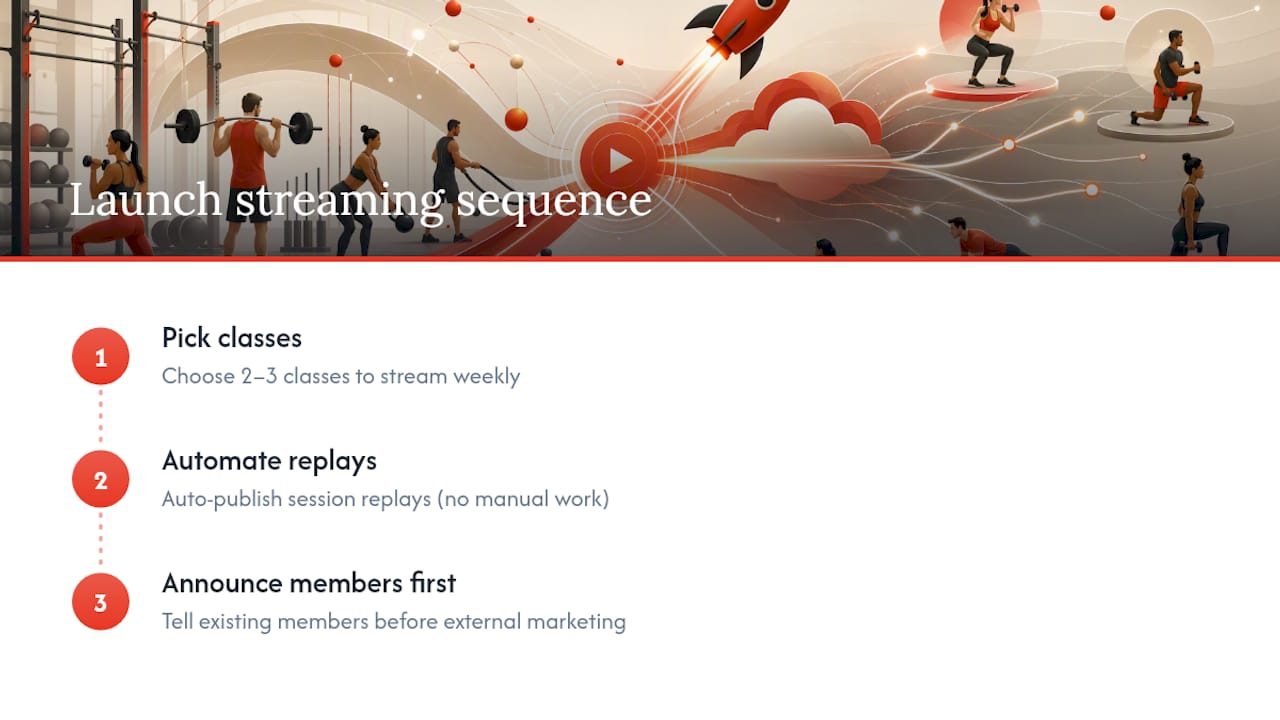
Pick two or three classes to stream weekly, automate the replay publishing, and announce it to existing members before you market it externally. That sequence, in that order, is what separates studios that still stream a year later from studios that quietly stopped after month two.
— Louis
How Fitness Flow Removes The Integration Headache
Most of the friction in this playbook, connecting streaming to scheduling, gating content by membership tier, automating replay publishing, comes from stitching together separate tools that were never built to talk to each other. Fitness Flow was built to remove that stitching entirely.

Fitness Flow runs scheduling, billing, your branded member app, and live and on-demand streaming from a single system, so a class booked live shows up automatically in the app, gates by membership tier without manual work, and publishes to the on-demand library the moment it ends. Owners using the platform report saving 12 hours a week on administrative tasks, time that would otherwise go toward manually tagging videos or reconciling billing across separate apps. If you want to see how the scheduling, streaming, and analytics pieces fit together for a studio your size, request a demo through the Fitness Flow site and walk through your own class calendar during the call.
Where To Go Deeper On Streaming Strategy
For more detail on any single piece of this playbook, these resources are worth a closer read:
- Virtual & Hybrid Fitness Classes: A Gym Growth Playbook for hybrid model strategy and content pacing
- Adding online classes to your studio for operational run sheets and staffing lessons
- Fitness Streaming Solutions on Enveu for a look at white-label streaming feature sets