
Best Martial Arts Software: 2026 Buyer’s Picks

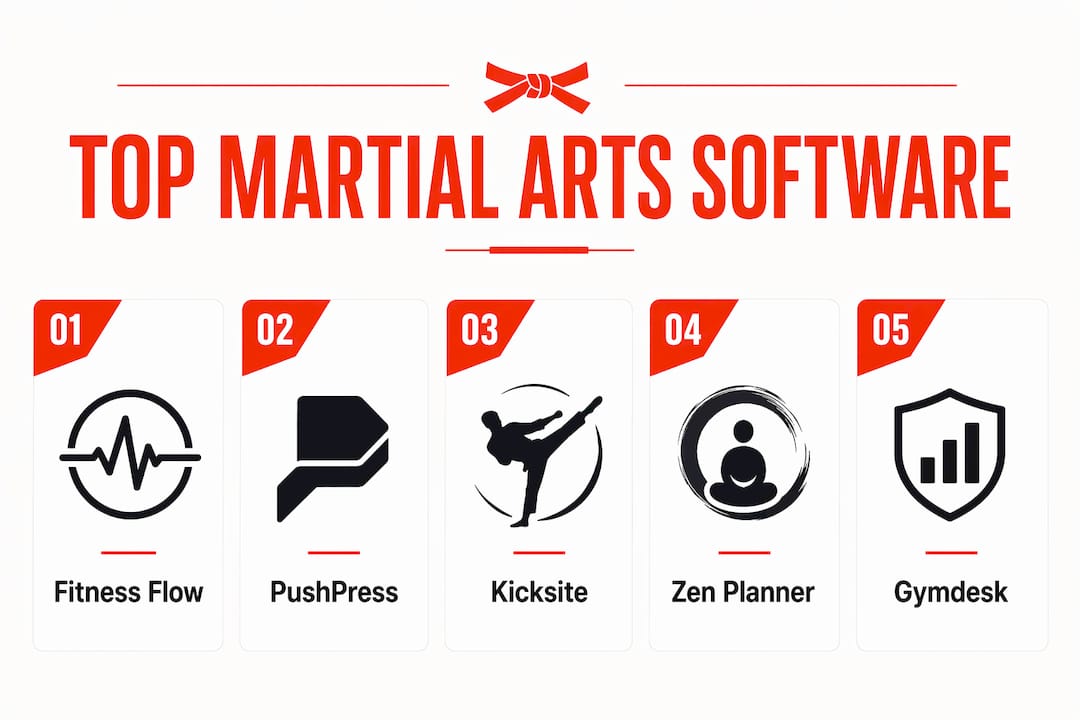
For most U.S. martial arts schools, Fitness Flow is the strongest all-in-one pick — it covers CRM, billing, branded member apps, and multi-location reporting in a single platform with a clear demo path and migration support. If you need a faster shortlist, here it is:
- Fitness Flow — Best overall for independent and mid-sized academies wanting CRM + billing + branded app in one place
- Kicksite — Best for traditional single-location dojos with up to ~100 students
- Zen Planner — Best for multi-location schools needing deep financial reporting and branded parent apps
- Gymdesk — Best for owners who want transparent pricing and a balanced feature set
- Spark Membership — Best for schools prioritizing aggressive enrollment growth and automated follow-up
What to do next: Book a Fitness Flow demo first. Bring a 3-scenario test set (trial signup, belt promotion, failed-payment retry) to every demo you run. Ask each vendor for a sample data import before you commit.
PlatformBest forPrice fromFree trial/demoBelt trackingMobile app
Independent & mid-sized academies
Contact for pricing
Demo available
Yes
iOS, Android, branded
Kicksite
Traditional single-location dojos
~$49/mo
Trial available
Yes (native)
Yes
Zen Planner
Multi-location, complex scheduling
Contact for pricing
Demo available
Yes
Branded parent app
Gymdesk
Transparent pricing, balanced features
Contact for pricing
Trial available
Yes
Yes
Spark Membership
Enrollment growth & automation
Contact for pricing
Demo available
Limited
Yes

Table of Contents
- How do the top martial arts platforms compare on features?
- Vendor rundowns: which platform fits your school?
- How to choose the right dojo management software
- Why process fit beats a feature checklist
- Key Takeaways
- A note on how this guide was put together
- Fitness Flow is built for exactly this problem
- Useful sources
- FAQ
How do the top martial arts platforms compare on features?
Choosing the best martial arts software comes down to a handful of dimensions that generic gym tools routinely miss: native belt and rank tracking, family membership pricing, digital waivers for minors, and automated billing recovery. The table below maps all ten platforms across those dimensions.
Stat to know: ACH direct debit runs roughly 0.8% capped at $5 per transaction versus card rates around 2.9% + $0.30. On a school collecting $10,000/month in recurring tuition, that gap adds up fast — ask every vendor which payment rails they support natively.
PlatformBest forBelt/rank trackingFamily pricingDigital waiversMobile appIntegrationsOnboarding support
Fitness Flow
Independent & mid-sized academies
Yes
Yes
Yes
Branded iOS/Android
API + key integrations
Migration + demo support
PushPress
Small to mid-sized schools
Limited/workaround
Yes
Yes
Yes
Good
Standard
Kicksite
Traditional dojos, ≤100 students
Yes (native)
Yes
Yes
Yes
Moderate
Standard
Zen Planner
Multi-location academies
Yes
Yes
Yes
Branded parent app
Strong
Dedicated onboarding
Gymdesk
Balanced features, clear pricing
Yes
Yes
Yes
Yes
Moderate
Standard
Spark Membership
Enrollment & lead automation
Limited
Yes
Yes
Yes
CRM-focused
Standard
Martialytics
Progress-driven programs
Yes (native)
Limited
Yes
Yes
Limited
Standard
Wodify
Hybrid martial arts + fitness
Limited
Limited
Yes
Yes
Strong
Standard
RhinoFit
Budget-conscious small schools
Basic
Limited
Yes
Yes
Basic
Minimal
Mindbody
Large studios, marketplace reach
Workaround only
Yes
Yes
Yes
Extensive
Dedicated
A note on pricing transparency: Several vendors publish starting prices publicly; others require a demo call. Where a vendor does not list pricing, treat that as a signal to ask for a written quote before the trial ends. A realistic minimum stack for a small school — platform + Stripe + QuickBooks Online Essentials ($75/mo) + payroll + POS — runs roughly $173/month before transaction fees, so platform cost is only part of the picture.
Vendor rundowns: which platform fits your school?
1. Fitness Flow — best overall for independent and mid-sized academies
Fitness Flow is the only platform on this list built explicitly as a gym operating system rather than a scheduling tool with billing bolted on. The core differentiators for martial arts schools are the branded member app (iOS, Android, and web), an integrated CRM with lead capture and pipeline tracking, and multi-location reporting that lets owners see every location from one dashboard.

Pros: Branded app keeps parent communications off personal phones; CRM and billing live in the same platform; migration support reduces the risk of data loss on import. Cons: Pricing requires a demo call (not publicly listed); may be more platform than a 20-student startup needs. Best for: Academies with 50+ students, family enrollment, or plans to open a second location. Trial/demo: Demo available at joinfitnessflow.com.
Pro Tip: When you book the Fitness Flow demo, ask the rep to walk through a belt-promotion workflow and a failed-payment retry in real time. That 10-minute test tells you more than any feature list.
2. PushPress — best for simple front-desk operations
PushPress earns its reputation for clean UX. The member check-in flow is fast, the membership management is straightforward, and the mobile experience is solid. Where it falls short for martial arts specifically is belt tracking — it handles it through workarounds rather than a native rank-progression model. Schools that run a single program with simple membership tiers will find it comfortable; schools with multiple belt systems and grading events may hit friction.
Pros: Genuinely easy to learn; strong member experience; good third-party integrations. Cons: Belt tracking is not native; grading workflows require manual steps. Trial/demo: Trial available; Capterra reviews and G2 reviews give a useful read on real-world experience before you commit.
3. Kicksite — best for traditional dojos
Kicksite is purpose-built for the classic dojo model: a single location, a defined belt curriculum, and a front desk that needs to process payments and track promotions without a steep learning curve. Its flat-tier pricing (starting around $49/month) makes the total cost predictable, and its native belt-tracking workflows are among the clearest in this category. The trade-off is limited scalability — multi-location owners and schools with complex scheduling needs tend to outgrow it.
Pros: Native belt/rank tracking; flat pricing; straightforward for staff to learn. Cons: Limited multi-location support; fewer automation options than newer platforms.
4. Zen Planner — best for multi-location academies
Zen Planner sits at the more feature-rich end of the spectrum. Its financial reporting goes deeper than most competitors, and the branded parent app is a genuine differentiator for academies where parent communication is a daily operational challenge. Dedicated onboarding support makes migration less painful for schools moving from a legacy system. The complexity that makes it powerful for larger operations can feel like overhead for a 60-student single-location school.
Pros: Deep financial reporting; branded parent app; strong multi-location support. Cons: Steeper learning curve; pricing not publicly listed.
5. Gymdesk — best for transparent pricing
Gymdesk’s appeal is straightforward: martial-arts-specific workflows like belt tracking and family pricing are present natively, and the pricing model is more transparent than most. Owners who have been burned by surprise fees on other platforms tend to gravitate here. The feature set is balanced rather than best-in-class on any single dimension, which suits owners who want a reliable all-rounder without committing to an enterprise-tier platform.
Pros: Transparent pricing; native belt tracking; family membership support. Cons: Not the deepest on reporting or CRM automation.
6. Spark Membership — best for enrollment-focused schools
If your biggest operational gap is lead conversion and follow-up, Spark Membership is worth a close look. Its CRM pipelines and marketing automation are the strongest in this group for pure enrollment growth. The trade-off is that belt tracking and grading workflows are thinner than dedicated dojo platforms. Schools that have their curriculum management handled but need to fill more classes will find it fits; schools that need both enrollment and rank tracking in one place may find it incomplete.
Pros: Strong lead pipelines; automated follow-up sequences; good for studios scaling enrollment. Cons: Belt tracking is limited; not ideal as a standalone dojo management system.
7. Martialytics — best for progress-driven programs
Martialytics is built around the idea that attendance and grading data should drive promotion decisions, not just record them. Its attendance-driven grading workflows and student progress analytics make it a natural fit for schools that run structured belt programs with attendance requirements. The integration library is narrower than larger platforms, and family pricing support is limited, but for a school where curriculum progression is the operational core, it does that job well.
Pros: Native attendance-linked grading; strong student progress analytics. Cons: Limited integrations; family pricing support is thin.
8. Wodify — best for hybrid martial arts and fitness schools
Wodify started in the CrossFit space and shows it. Performance leaderboards, athlete-style tracking, and workout logging are genuinely strong. For a school that blends BJJ or MMA with conditioning classes and wants members to track their performance metrics, it fits well. For a traditional karate or taekwondo school focused on belt progression, the martial-arts-specific features feel like an afterthought.
Pros: Performance tracking and leaderboards; strong for hybrid programming. Cons: Belt/rank tracking is not native; family pricing is limited.
9. RhinoFit — best for budget-conscious small schools
RhinoFit covers the basics: scheduling, membership management, and client tracking at a price point that works for small operations. The feature set is deliberately lean, which keeps costs down but means schools will hit limitations as they grow. Belt tracking is basic, and onboarding support is minimal. For a school under 50 students that needs to get organized without a large monthly spend, it does the job.
Pros: Low cost; covers core scheduling and membership needs. Cons: Basic belt tracking; minimal onboarding support; limited scalability.
10. Mindbody — best for large studios needing marketplace reach
Mindbody’s main advantage is its consumer marketplace, which drives new student discovery for large studios in competitive markets. Its booking and payments infrastructure is mature. The gap for martial arts schools is significant, though: belt and rank tracking requires workarounds, and the platform is not designed around the dojo model. Schools that need marketplace exposure and can manage rank tracking separately may find it useful; schools that want a unified martial arts management system should look elsewhere.
Pros: Marketplace discovery; mature booking and payments; broad integrations. Cons: No native belt/rank tracking; not purpose-built for martial arts workflows.
How to choose the right dojo management software
The most common mistake school owners make is picking software based on a feature checklist rather than mapping where their current processes actually break down. Start with your pain points, then score vendors on how directly they fix them.
Scoring template
Use this weighting as a starting point and adjust for your school’s priorities:
CriterionSuggested weightWhat to test in the demo
Belt/rank tracking
20%
Run a full promotion workflow live
Billing & ACH support
—
Test a failed-payment retry and ACH setup
Parent communications
—
Send a test message via the parent app
Onboarding & migration
—
Request a sample data import preview
Mobile app quality
10%
Log in as a parent and as a student
Integrations
10%
Confirm your accounting and payment tools connect
Price / total cost
—
Get a written quote including transaction fees
Questions to ask on every demo
- Can you show me a live belt-promotion workflow from attendance trigger to certificate?
- How does the platform handle failed ACH drafts — automatic retry, or manual?
- Does family pricing apply automatically when I add a second sibling, or is it a manual discount?
- What does the data import process look like, and can I see a sample import before I sign?
- Is the branded app included in my plan, or is it an add-on?
- What API access do I get, and which accounting tools connect natively?
Red flags to watch for
- Belt tracking that lives in a spreadsheet outside the platform. Maintaining a parallel spreadsheet typically leads to data desynchronization within six months.
- Revenue-share pricing on top of a monthly fee — run the math at your current student count and at 2x growth.
- No migration support or a vague “you can import a CSV” answer. Ask for a timeline and a named contact.
- A demo that skips the failed-payment recovery flow. Market guides recommend testing a 3–5 scenario set including trial signup, belt promotion, and failed-payment retry.
Pro Tip: For multi-location academies, ask about gym access control integration — hardware-gated check-in at each location feeds attendance data directly into your platform and removes front-desk bottlenecks.
Why process fit beats a feature checklist
Picking the platform with the longest feature list is the wrong frame. The research-backed approach is to map where your internal processes break down first — trial follow-up falling through the cracks, parent communications happening on personal phones, grading events managed in a separate spreadsheet — and then evaluate vendors specifically on how they automate those failure points.
The school-management platform should be treated as the operational core of your tech stack, with payments, accounting, and payroll routed around it. That means the platform you choose needs to be the single source of truth for student data, not one of three systems you reconcile manually each week.
Process-first selection in four steps
- Map your top three pain points. Where do things fall apart today? Trial follow-up, parent comms, grading, billing recovery?
- Match features to those processes. Only score a feature if it directly addresses a mapped pain point.
- Score vendors on process fit, not feature count. Use the scoring template above.
- Pilot with a single program. Run a 14-day trial using one class or program, not your entire school. That constraint forces you to test the workflows that matter most.
Worked example: scoring for a 75-student BJJ school
Pain pointWeightFitness FlowKicksiteGymdesk
Belt tracking & promotions
20%
Strong
Strong
Strong
Failed-payment recovery
—
Automated
Manual retry
Semi-automated
Parent app communications
—
Branded app
Basic
Basic
Data migration support
—
Dedicated support
Standard
Standard
Weighted fit score
High
Medium
Medium
Schools that automate the full revenue cycle — autopay, attendance scanning, parent notifications — reduce the administrative load on head instructors and keep them teaching instead of managing a back office. That is the operational outcome worth optimizing for, not the number of features on a pricing page.
Key Takeaways
The best martial arts software is the one that directly automates your school’s specific broken processes — belt tracking, billing recovery, and parent communications — not the platform with the most features.
PointDetails
Process fit over feature count
Map your top three pain points before evaluating any vendor.
ACH saves real money
ACH direct debit runs ~0.8% capped at $5 vs. card rates of ~2.9% + $0.30 — ask every vendor which rails they support.
Avoid parallel spreadsheets
A master belt-tracking spreadsheet alongside software typically desyncs within six months; use the platform as your single source of truth.
Demo with a scenario set
Test a trial signup, belt promotion, and failed-payment retry live in every demo — skip vendors who won’t show all three.
Fitness Flow for most schools
Fitness Flow covers CRM, billing, branded apps, and migration support in one platform, making it the strongest starting point for independent and mid-sized U.S. academies.
A note on how this guide was put together
Full disclosure: this guide is published by Joinfitnessflow, which sells Fitness Flow. That is why Fitness Flow appears first in every comparison — it is the publisher’s product, and the article makes that case on the merits. You should still validate fit for your school by running the demo scenarios described in the buying guide above.
The shortlist was built on market signals: pricing transparency, native martial-arts-specific features (belt tracking, family pricing, grading workflows), onboarding and migration support, and how well each platform functions as a single operational source of truth. Platforms that required significant workarounds for core martial-arts workflows were noted as such rather than glossed over.
This guide is not a legal or security compliance analysis. For data privacy questions (COPPA, GDPR for international students, HIPAA-adjacent considerations for minors), consult the vendor’s data processing agreement and, where needed, a qualified attorney. Pricing figures were verified against public sources and vendor pages; always request a written quote during your demo, since pricing changes.
Fitness Flow is built for exactly this problem
Running a martial arts school means managing belt progressions, family memberships, parent communications, and recurring billing — all at once, often with a small staff. Fitness Flow handles all of it from one platform: CRM and lead capture, automated billing with ACH support, a branded member app for parent communications, compliance and waiver tracking, and multi-location reporting for schools with more than one location.
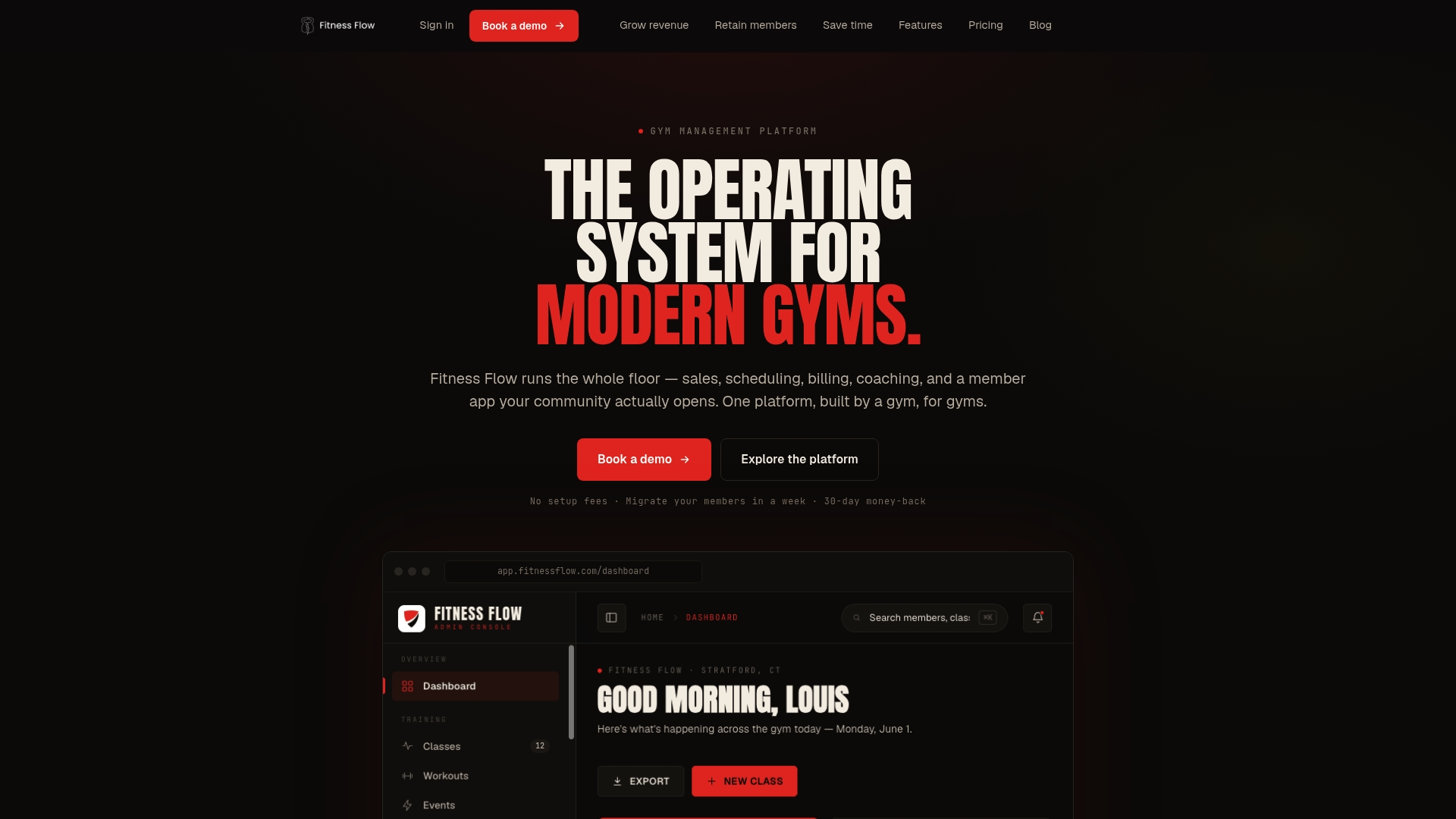
The migration path is straightforward: Fitness Flow’s onboarding team works through a data import preview with you before you commit, so you know exactly what transfers and what needs manual cleanup. There is no guessing about whether your student records, belt ranks, and billing history will survive the move.
What to do: Book a demo at Fitness Flow and ask the rep to walk through a belt-promotion workflow, a failed-payment retry, and the parent app experience. Bring your current student count and your top three operational pain points. That 30-minute call will tell you whether it fits your school better than any feature comparison will.
Useful sources
The sources below were used for market signals, pricing verification, and feature comparisons in this guide. Pricing and feature details change; request written confirmation from vendors during your demo.
SourceWhat it coversNotes
Master K — How to Choose Martial Arts School Management Software
Process-first selection methodology; demo scenario recommendations
Strong operational framing; useful for building your demo checklist
Pulse RevOps — Tech Stack for Martial Arts Schools
Minimum stack cost example (~$173/mo); ACH vs. card rate comparison; automation recommendations
Practical cost modeling; verify current pricing with each vendor
Guideflow — 8 Best Martial Arts Studio Software
Category roundup with martial-arts-specific workflow comparisons
Useful for cross-checking belt tracking and family pricing signals
ToolsInfo — Martial Arts Software Selection Guide
Pricing transparency signals; onboarding and migration notes
Good for verifying which vendors publish starting prices publicly
Capterra — PushPress Reviews
User reviews for PushPress
Useful for real-world UX and support experience before trialing
G2 — PushPress Reviews
Additional user reviews for PushPress
Cross-reference with Capterra for a fuller picture
Reminder: Always request vendor pricing in writing during the demo. Public pricing pages are a starting point; transaction fees, onboarding packages, and add-on costs can materially change the total.
FAQ
What is the best software for a small martial arts school?
For a small school under 100 students, Kicksite and Gymdesk are the most practical starting points — both offer native belt tracking and predictable pricing. Fitness Flow scales well from small schools upward and includes migration support if you plan to grow.
What CRM do most gyms and martial arts schools use?
There is no single dominant CRM across U.S. martial arts schools. Mindbody is common in larger studios for its marketplace reach, while Fitness Flow, Kicksite, and Spark Membership are frequently used by independent academies that need CRM and billing in one place.
Does martial arts management software handle belt and rank tracking natively?
Platforms built specifically for martial arts — Kicksite, Martialytics, Gymdesk, and Fitness Flow — handle belt and rank tracking natively. General gym platforms like PushPress and Wodify typically require workarounds, which can lead to data desynchronization if a parallel spreadsheet is maintained alongside the software.
Is there a free martial arts school management platform?
Some platforms offer limited free tiers for very small schools. DojoTrack advertises a free starter plan covering up to 50 students with core management features and optional paid upgrades. For schools beyond that size, a paid platform with full billing and belt-tracking support is the more reliable path.
How long does it take to migrate to a new martial arts platform?
Migration timelines vary by school size and data complexity, but most vendors estimate two to four weeks for a standard import of student records, belt ranks, and billing history. Ask for a sample data import preview before signing — that step alone surfaces most migration problems before they become costly.