Gym Attendance Tracking: The Method That Actually Works
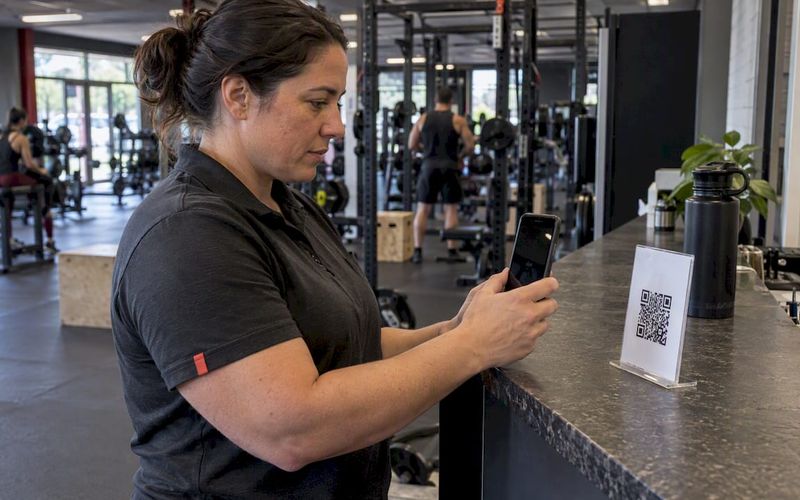
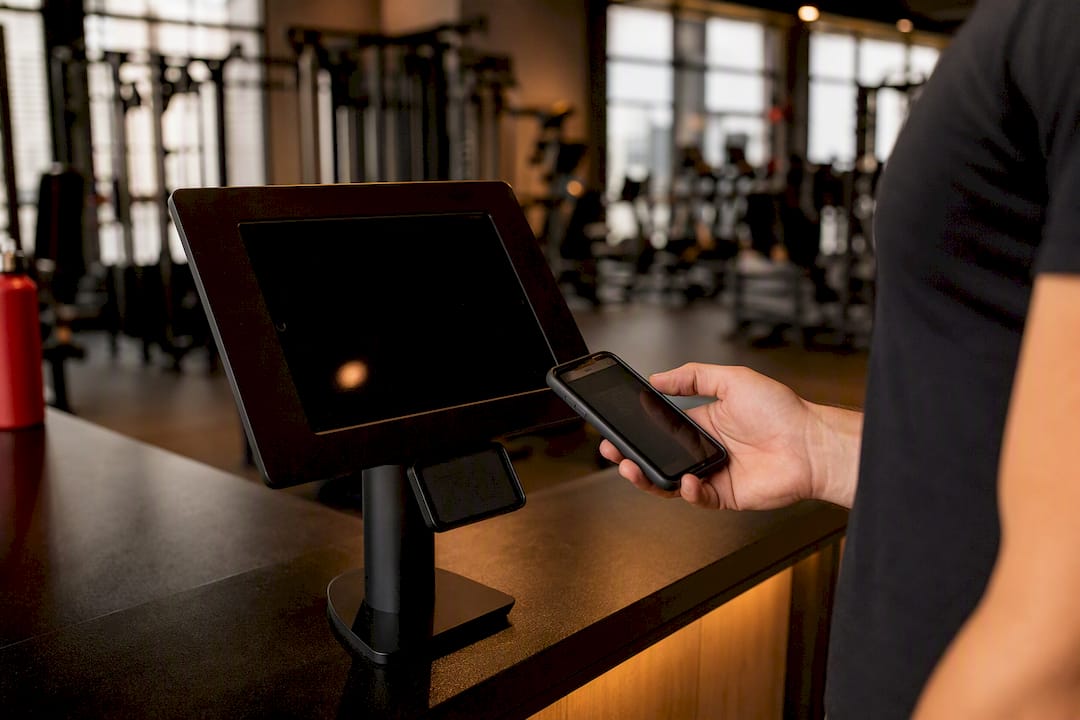
The fastest path to reliable attendance data is a software-first system: a kiosk at the front door, mobile QR or app check-ins for members on the go, and automated analytics flagging who’s slipping away. This combination cuts admin work, produces the retention signals a spreadsheet never will, and scales cleanly whether you run one location or ten.
Why it beats manual rollcall or a bare-bones spreadsheet: attendance is one of the strongest predictors of member churn, and you can’t act on a signal you’re not capturing consistently. Platforms like Fitness Flow build this into one system rather than three disconnected tools.
Your next move is simple:
- Turn on kiosk or mobile check-ins at one entry point for 30 days.
- Watch visit frequency and no-show patterns before expanding to every location.
- Compare what you find against the PMC research linking consistent attendance to better member outcomes.
Key Takeaways
Reliable gym attendance tracking combines kiosk or app check-ins with automated analytics that flag at-risk members before they cancel.
PointDetails
Start with one entry point
Pilot kiosk or mobile check-ins for 30 days before expanding to other methods.
Track recency, not just visits
Flag members past 14 to 21 days without a check-in as at-risk.
Automate the follow-up
Trigger no-show and 7/14/30-day reactivation sequences without manual review.
Keep privacy language current
Disclose data use in membership terms, especially for biometric check-in methods.
Consolidate with Fitness Flow
Fitness Flow links check-in, billing, and engagement data, reporting a 27% average retention lift and 12 hours saved weekly.
Table of Contents
- How Gym Attendance Tracking Actually Captures Check-Ins
- Which Attendance Metrics Should Owners Actually Track?
- Setting Up Attendance Tracking Without Breaking Anything
- Turning Attendance Data Into Fewer Cancellations
- What A Unified Platform Actually Delivers
- What Gym Attendance Tracking Rules Should Owners Know?
- Connecting Attendance Data To Your Membership System
- Where Most Gyms Get Attendance Tracking Wrong
- Get This Running With Fitness Flow
- Sources
How Gym Attendance Tracking Actually Captures Check-Ins
Every method for logging who walked through your door has a cost and a ceiling. Picking the right one depends on your member volume, your budget, and how much friction you’re willing to tolerate at the front desk.
- Self-serve kiosk (tablet). Mount a tablet near the entrance, connect it to Wi-Fi with a wired backup, and let members tap their name or scan a code. It’s cheap to set up and needs almost no staff supervision, but it stalls during outages unless you’ve got a manual fallback ready.
- Mobile app and QR check-ins. Members scan a code at the door or tap a button in your branded app. Onboarding is the friction point. Expect a few weeks of reminders before adoption sticks, especially with members who skew older or less tech-comfortable.
- Barcode or RFID tags. A scanner reads a keyfob or wristband instantly. This only pays off once you’ve got enough daily volume to justify the hardware, think high-traffic CrossFit boxes or multi-location chains, not a 40-member yoga studio.
- Access control and turnstiles. These physically gate entry and double as attendance logs, which matters if you need hard capacity limits for fire code or insurance reasons. Simple check-in kiosks work fine if you just need a headcount.
- Manual rollcall or spreadsheets. Fine for validating that tracking matters at all, but it breaks down fast past 50 to 75 active members. Data entry errors compound, and nobody has time to reconcile it weekly.
Pro Tip: Pilot one entry point, usually the kiosk, for 30 days before rolling out mobile or RFID everywhere. You’ll catch connectivity issues and staff training gaps while the stakes are still low.
Which Attendance Metrics Should Owners Actually Track?
Raw check-in counts tell you almost nothing on their own. The metrics below turn a log of timestamps into decisions about scheduling, staffing, and who needs a phone call this week.
- Visit frequency: visits per member over a 30 or 90-day window. A member averaging three visits a week looks very different from one who shows up twice a month, even if both are “active.”
- Visit recency: days since last check-in. Anyone past 14 days with no visit deserves a flag; past 21 days, they’re a real churn risk.
- Class fill rate and no-show rate: the gap between bookings and actual attendance tells you whether your waitlist policy is working or just creating phantom capacity.
- Heat maps: hour-by-hour attendance patterns that reveal when you’re overstaffed at 10 a.m. and drowning at 6 p.m.
- Exportable records: consistent CSV or XLS naming conventions matter more than people expect, especially when you’re reconciling billing disputes months later.
The number that should worry you: attendance data is widely used to spot disengagement before a member cancels, which means the gym that reviews recency data weekly catches problems the gym that reviews it monthly never sees coming.
Setting Up Attendance Tracking Without Breaking Anything
Getting attendance tracking right the first time saves you months of cleanup later. Work through these decisions in order, not all at once.
- Decide your scope. Facility-wide check-in captures every visit; class-only check-in captures bookings but misses open-gym time. Most owners regret starting too narrow.
- Choose hardware deliberately. A wall-mounted tablet at chest height, a scanner within arm’s reach of the front desk, and a battery backup for the router. Power outages are the most common reason attendance data has gaps.
- Write staff SOPs. Someone needs to own exception handling: the member who forgot their phone, the duplicate profile, the kiosk that froze mid-shift. Assign this to a specific role, not “whoever’s on desk.”
- Clean your data on a schedule. Merge duplicate member profiles monthly and standardize name formatting (last name, first name beats whatever staff happen to type).
- Build in privacy from day one. Add consent language to your membership agreement covering how check-in data gets used, and keep exports limited to the fields you actually need, not every field the system offers.
Pro Tip: Schedule attendance exports weekly, not “whenever someone remembers.” A consistent export cadence is what makes an audit trail actually useful six months from now.
Turning Attendance Data Into Fewer Cancellations
Attendance data only pays for itself once it triggers action.
From there, automation does the outreach:
- No-show follow-up within 24 hours, a short check-in text, not a guilt trip.
- A 7-day reactivation email, a 14-day coach outreach call, and a 30-day win-back offer for members who’ve gone cold.
- Behavior-based segmentation: members hitting classes 4+ times a week get program upsells; members below one visit a week get retention offers instead.
What this is worth: gyms that catch disengagement through attendance trend analysis intervene before cancellation, not after. Track your reactivation rate and retention lift month over month once automation goes live. If a 30-day win-back sequence isn’t nudging at least a few percent of flagged members back into regular visits, the triage thresholds probably need adjusting, not the whole system.
What A Unified Platform Actually Delivers
Fitness Flow’s own client data shows an average increase in member retention and time saved on administrative tasks each week when gyms consolidate check-in, engagement, and analytics into one system instead of stitching together separate tools.
The math is straightforward: a branded member app with live and on-demand classes plus gamified check-in streaks gives members a reason to open the app between visits, not just when they’re walking through the door. More app engagement tends to show up as more consistent check-ins, which is the raw material every retention flag depends on.
For a pilot, capture your baseline visit frequency and no-show rate for two weeks before switching anything on. Run the new system for 30 to 60 days, then compare the same two numbers. That’s your success criteria, not a gut feeling about whether things “seem busier.”
What Gym Attendance Tracking Rules Should Owners Know?
Attendance data counts as personal information the moment it’s tied to a named member, and that changes what you’re allowed to do with it. If you operate in California, the California Consumer Privacy Act gives members the right to know what data you’re collecting and to request deletion, which means your kiosk and app data need to be included in any privacy request you receive, not just billing records.
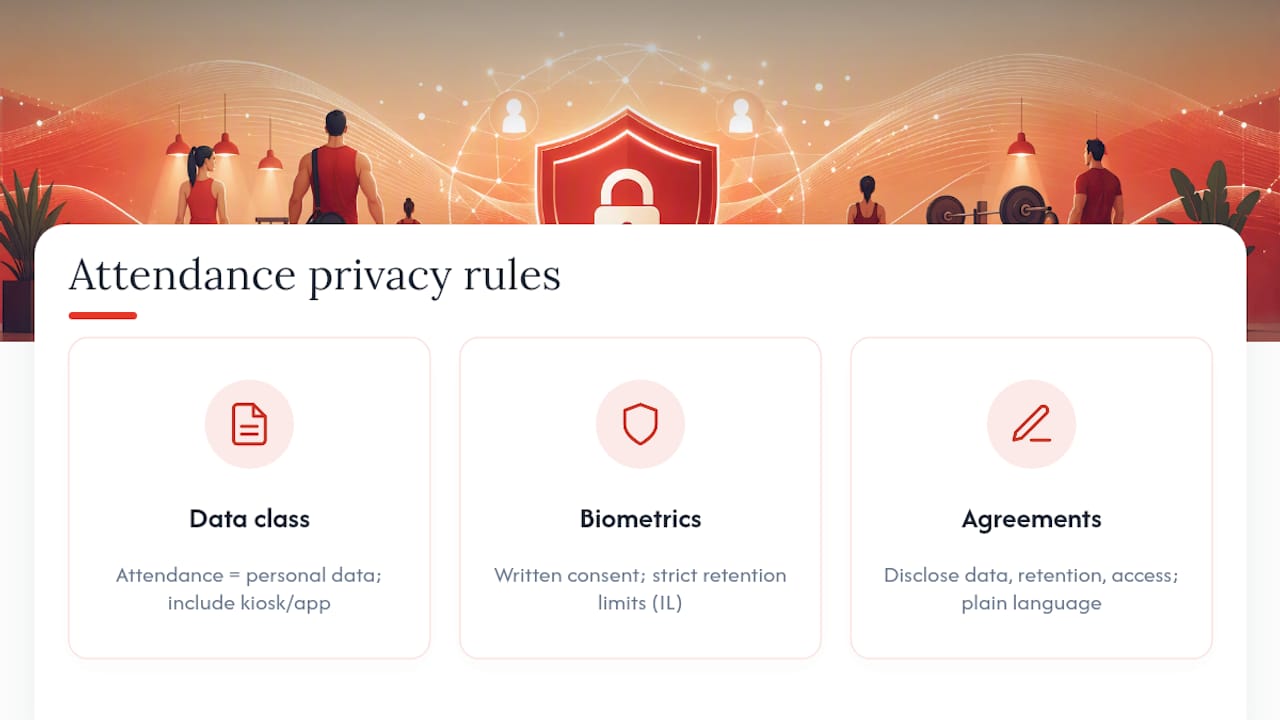
Biometric check-in methods carry extra weight. Fingerprint or facial recognition kiosks trigger stricter consent requirements in several states, most notably Illinois under the Biometric Information Privacy Act, which requires written consent before collection and specific retention limits. If you’re not planning to use biometric scanning, a QR or barcode system sidesteps this entirely, which is one more reason most studios skip RFID and biometrics unless volume truly demands it.
Your membership agreement should spell out, in plain language, what attendance data you collect, how long you keep it, and who can access it. This isn’t just a compliance checkbox: members who feel surveilled without explanation tend to disengage faster, not slower. Keep exports limited to the fields staff actually need for operations, billing, or safety, and avoid pulling full check-in histories into spreadsheets that end up on someone’s personal laptop. Because rules vary by state and by the specific technology you deploy, run your consent language and retention policy past a lawyer familiar with your jurisdiction before rollout, especially if you’re considering biometric hardware.
Connecting Attendance Data To Your Membership System

Attendance tracking that lives apart from your membership database creates more work, not less. If check-in data doesn’t automatically link to a member’s profile, billing status, and class history, someone on your team ends up manually cross-referencing two systems every time a question comes up, whether that’s a refund dispute or a coach asking who’s been missing sessions.
The fix is integration at the point of check-in, not after the fact. When a member scans a QR code or taps a kiosk, that event should immediately update their profile: last visit date, running visit count, and current attendance streak. A platform like Fitness Flow builds this connection natively, so a missed-visit flag can trigger a retention workflow without anyone exporting a spreadsheet and importing it somewhere else.
This matters most during billing cycles. If a member’s card fails and their account goes past due, attendance data tied to their profile tells you whether they’re still showing up despite the billing issue, which changes how you handle the conversation. A member who’s visited three times this week deserves a friendly reminder call. One who hasn’t visited in a month probably needs a different kind of outreach entirely.
It also simplifies reporting across locations. Multi-location owners pulling attendance and membership data from the same source get a single dashboard instead of reconciling exports from three different systems, which is where data entry errors and duplicate profiles usually creep in.
Where Most Gyms Get Attendance Tracking Wrong
Most advice on this topic treats attendance tracking as a data collection problem: pick a kiosk, scan some codes, generate a report. That’s the easy 20%. The part that actually moves retention numbers is what happens in the 48 hours after a member’s visit pattern changes, and most gyms have no system for that at all.
The overrated piece is hardware sophistication. RFID and biometric scanners look impressive, but a $30,000 studio doesn’t need them. A basic kiosk paired with automated recency alerts does more for retention than the fanciest scanner sitting next to a front desk nobody’s watching.
The underrated piece is the reactivation window. Most owners wait until a member cancels to react. By then it’s too late. The data already showed the drop-off two or three weeks earlier. If you prioritize one thing from everything above, make it this: set your at-risk threshold, automate the first outreach message, and let the system flag people before your front desk staff would ever notice on their own.
— Louis
Get This Running With Fitness Flow
Fitness Flow maps directly onto the checklist above: kiosk and mobile check-in at the door, a branded member app that keeps people engaged between visits, built-in analytics for recency and at-risk flags, and automated reactivation campaigns that fire without anyone manually pulling a report.

Instead of stitching together a kiosk app, a separate analytics tool, and a third system for email campaigns, you get one dashboard that connects check-in data straight to billing, scheduling, and retention workflows. That’s the real advantage over running attendance tracking as a bolt-on to your existing setup: no juggling logins, no manual exports feeding a spreadsheet nobody trusts. If you’re ready to see it against your own member data, book a demo of Fitness Flow and run the 30-day pilot outlined above with your actual numbers.
Sources
- PMC article on physical activity adherence and outcomes
- Gym Check-In & Class Attendance App | Attenditai