Automated Birthday Emails for Gyms: Setup, Timing and Offers

An automated birthday email for a gym works when four things are in place: a clean month-and-day field on every member record, a send that starts a few days before the birthday, an offer that brings the member through the door, and a sender that is tied to your member list rather than to a spreadsheet. Do those once and the message goes out every year without anyone on your team remembering a date. Fitness Flow puts the member records, the automated retention workflows and the branded app in one platform, so the birthday message draws on the same data as the rest of your member communication.
Getfitnessflow
Keep Birthday Messages Connected
Fitness Flow brings member records, automated retention workflows and a branded app together to support more connected member communication.
TL;DR
- Collect month and day of birth at sign-up in one fixed format. A missing or malformed date means the member silently gets nothing.
- Start the send 3 to 7 days before the birthday so the member can plan a visit, then follow up on the day.
- Make the offer a gift tied to tenure, such as a guest pass, not a blanket discount.
- Keep it compliant: identify the sender, include a working opt-out, and get express consent before any text message.
- Track opens, redemptions and visits per location, and fix the data before you rewrite the copy.
Table of Contents
- Why birthday emails are worth automating at a gym
- Step 1: Collect birthdays the right way
- Step 2: Choose when to send
- Step 3: Decide what the email offers
- Step 4: Write the email
- Step 5: Stay within U.S. email rules
- Step 6: Test before you switch it on
- What to measure
- Common mistakes
- Run birthday emails from the same system as your members
- FAQ
- Sources
Why birthday emails are worth automating at a gym
A birthday is one of the few moments when a message from your gym is welcome rather than promotional. The member has a reason to think about their health, and you have a reason to write that is personal and not about a renewal or a price.
The trouble is consistency. A front-desk person who writes birthday notes by hand will do it well for a month and then miss a week. Members who sign up in January and members who joined last Tuesday have different birthdays scattered across the whole year, so a manual process always has gaps. Automation removes the gap: the date is stored, the trigger fires, the message goes out.
For a gym, the email also does more than a retail birthday coupon. A visit is the point. A member who walks in for a birthday class or a guest pass is a member who is attending, and attendance is what retention depends on. A guest they bring along is also a warm lead. If you want to see how that fits into your wider retention work, our guide to gym retention automation covers what to automate and in what order.

Step 1: Collect birthdays the right way
The workflow is only as good as the date field behind it. Marketing platforms of all kinds share one rule here: a birthday email can only trigger for a contact who has a valid date of birth stored. An empty or badly formatted value is skipped without an error message, so nobody tells you the member was missed.
Where to collect it:
- The membership sign-up form or trial form. This is the best moment, because the person is already filling in details and you control the format.
- The app profile. Members can complete their own profile, which is useful for existing members whose records are incomplete.
- A one-time import. If you are moving from another system or a spreadsheet, import birthdays in a single bulk upload.
- Front-desk updates. When a member checks in, staff can fill in a missing date.
Ask for month and day only. You rarely need the birth year to send a greeting, and a full date of birth is more sensitive data to hold and a bigger ask on a form. Members are generally more willing to share a day and month than a full date. If you do store the year for another purpose, such as age-based programs, store it deliberately and not by default.
Fix the data before you build
Most failures trace back to the import, not the email. Before activating anything:
- Use one date format. Mixing month-first and day-first entries is a classic import error: 04/03 means April 3 to one person and March 4 to another. Pick the U.S. month/day format and convert everything to it.
- Validate impossible dates. Look for February 30, month 13 or placeholder values like 01/01 that were typed to get past a required field.
- Decide on February 29. Members born on a leap day need a rule: send on February 28 or on March 1 in non-leap years. Either is fine. Pick one and apply it to everybody.
- Check the status of each contact. Members who have unsubscribed from marketing, or whose email bounced, should not be in the audience.
- Store the time zone. If you run several locations across zones, a message scheduled for the morning should land in the morning at the member’s location. Systems that read dates in a single universal time can push a send a day early or late for members in other zones, so confirm how your platform handles it.
If your member data lives in three or four tools, this cleanup is where the hours go. A single CRM where every member has one record makes it a one-time job. Our walkthrough on gym CRM setup shows how to get the records in order in a single session.
Step 2: Choose when to send
For most gyms the best answer is a short series that starts before the birthday, not a single message on the day.
The reasoning is practical. A gym offer needs a visit, and a visit needs planning. If the email arrives on the morning of the birthday, the member has to rearrange their day to use it. If it arrives several days earlier, they can slot in a class or a workout with a friend.
A sequence that works for most studios and gyms:
MessageTimingPurpose
Birthday gift
5 to 7 days before
Wish them well, present the gift, give an expiry date
Day-of greeting
On the birthday
Short, warm, reminds them the gift is waiting
Reminder
A few days before the offer expires
Nudge members who have not redeemed
These timings are our recommended starting point, not a fixed rule. Set an expiry date on the gift, often one to two weeks. An open-ended offer gives no reason to act this week. Members who already redeemed should drop out of the sequence so they do not get a reminder for something they used.
Send in the early morning in the member’s local time. People check email before the day fills up, and a message that lands at 6 a.m. is more likely to be seen than one that lands at midnight.
Pick a repeat of once a year. Add a safeguard so a member who edits their birthday in the app does not trigger a second gift in the same year. A simple rule that checks whether a birthday message was sent in the last 12 months or so prevents duplicate offers.
Step 3: Decide what the email offers
A birthday email with no offer is a pleasant note. A birthday email with a gift that requires a visit is a retention tool. The structure of the gift decides whether members redeem it or ignore it.
One published fitness operations guide proposes tiering the gift by how long someone has been a member. In its example, every active member gets a complimentary guest pass valid for 30 days, members of a year or more get the pass plus a $10 merchandise or smoothie credit, and members of two years or more get a larger credit of $20 and a handwritten card. That keeps the cost small for new members and generous for the people who have stayed longest.
A few principles hold across gym types:
- Frame it as a gift. “Your birthday week is on us” lands differently from “20% off”.
- Use a guest pass. It costs little, brings a friend into the building and gives you a lead you would not otherwise have met.
- Match the offer to the member. A long-standing member might get a personal training consultation, a newer member a smoothie credit, and a member who has stopped visiting a reason to return.
- Use real attendance. The same guide recommends referencing what the member actually does, such as their regular Tuesday morning class, in place of generic copy.
- Rotate the wording. Four or five variants across the year keep the message from reading like a template, which matters in a community of people who talk to each other.
A multi-location operator can go one step further. A budget gym chain workflow suggests sending from a recognizable team name, addressing the member by first name, naming their home location and tracking redemption per location. If one site redeems at half the rate of another, you have a data or relevance problem to look into.
If you run a branded app, a push notification can carry the same message to members who rarely open email. Our post on gym push notifications covers what to send and how often, so the birthday message does not compete with everything else.
Step 4: Write the email
Keep it short. Three parts are enough.
- Subject line. Use the first name and the gift: “Happy early birthday, Dana: a guest pass is waiting”. Skip all caps and exclamation chains.
- Body. One or two sentences of warmth, then the offer, then one button. For example: a short greeting from the team at the member’s home location, a line about the guest pass or credit, the expiry date, and a button to book a class.
- Footer. Your business name, your physical mailing address and a visible unsubscribe link. More on this below.
Link the button straight to the booking page so the member can reserve a spot in two taps. Every extra step between the email and the booking costs you redemptions. This is where a platform that holds scheduling and messaging together helps: the email can point to the same class schedule the member already uses.
Personal touches that cost nothing: the instructor’s first name, the member’s home location, the class they attend most. These come from the same member record that holds the birthday.
Step 5: Stay within U.S. email rules
A birthday email that includes an offer is a commercial message, and U.S. rules apply to it. This is a practical summary, not legal advice. If your program is large or you operate in several states, have a lawyer review your templates.
The federal CAN-SPAM Rule is codified in 16 CFR Part 316, which sets out how to tell whether an email’s primary purpose is commercial. A pure greeting with no offer sits differently from one that promotes a guest pass or a purchase, and the safe approach is to treat your birthday email as commercial and include the standard elements:
- Accurate sender and subject information.
- Your valid physical postal address.
- A clear, working way to opt out, honored promptly.
- No sending to members after they opt out.
Text messages carry stricter requirements. Under 47 CFR § 64.3100, the rule for commercial messages sent to mobile devices, senders need express prior authorization before sending, must stop within 10 days of a request, must provide a free and working opt-out, must identify themselves, and must remain able to receive opt-out requests for at least 30 days. Collect SMS consent separately from the email opt-in, record when and how it was given, and publish clear SMS terms of service alongside your opt-in form. For the business side of texting members, see our verdict on gym SMS marketing.
The simplest policy: only members who have agreed to marketing get the birthday offer, and only members who have agreed to texts get the text.
Step 6: Test before you switch it on
Do not wait for a real member’s birthday to find out the workflow is broken.
- Send yourself a test. Temporarily set your own birthday to a few days from now on a test member record and confirm the email arrives at the right time with the right name and location.
- Check on a phone. Most members will read it there. Make sure the button is easy to tap.
- Test the edge cases. A February 29 record, a member with no birthday, a member who unsubscribed and a member in another time zone.
- Confirm the redemption path. Book a class with the gift. Does the pass apply? Does the front desk see it?
- Then go live. Set the workflow to active and let it run.
If an email does not arrive on the day, the usual culprits are the same: an empty or invalid date, a time zone mismatch, a trigger that was set for the wrong offset, or a member who is not subscribed.
What to measure
Four numbers tell you whether the program works and where it breaks:
MetricWhat it tells youIf it is low
Delivery rate
Whether the message reaches inboxes
Check sender setup and list cleanliness
Open rate
Whether subject and timing work
Test a different send day and subject
Redemption rate
Whether the offer is relevant
Change the gift or the expiry
Visits within the offer window
Whether the email changes behavior
Make booking easier, add a class link
Break redemptions out by location and by membership tier. A gap between sites usually points to data quality or front-desk handling, not the email itself. Compare birthday-week attendance with the same member’s normal pattern, and look at retention of members who redeemed against those who did not over the following three months. Treat any early result as a trend to test, not a proven effect, until you have a full year of sends.
Members who ignore the gift are worth a second look. If they have also stopped attending, a win-back sequence tied to attendance is a better next message than a second birthday nudge.
Common mistakes
- Asking for the full birth date. Month and day are enough.
- Sending only on the day. The member has no time to use the offer.
- Offering something with no expiry. No urgency, no action.
- Forgetting the duplicates rule. A member who changes their birthday should not receive two gifts.
- Skipping the data audit. Half the missed emails come from empty or mis-typed fields.
- One generic message for everyone. A new member and a five-year member should not get the same gift.
- Running birthdays in a separate tool. When your member list, billing and class bookings live in different systems, the birthday date and the unsubscribe status drift out of sync.
Our view: the birthday email is a data problem first
Gym owners ask us which subject line gets the most opens. We start somewhere else: is every member’s birthday in one place, is it correct, and does the system that sends the email know whether that member is still active?
That is why we built Fitness Flow as one platform. Sales and lead tracking, CRM, class booking, recurring billing, the branded member app and automated retention workflows share a single member record. A birthday is a field on that record, and the message can reflect the member’s real activity instead of a guess.
When owners stop paying for and stitching together separate tools, they tell us the hours come back. Our own figures are an average 27% increase in member retention and 12 hours saved on admin each week. A birthday email is a small piece of that, but it shows the idea: the gym remembers the member, without anyone having to remember for the gym.
Louis
Run birthday emails from the same system as your members
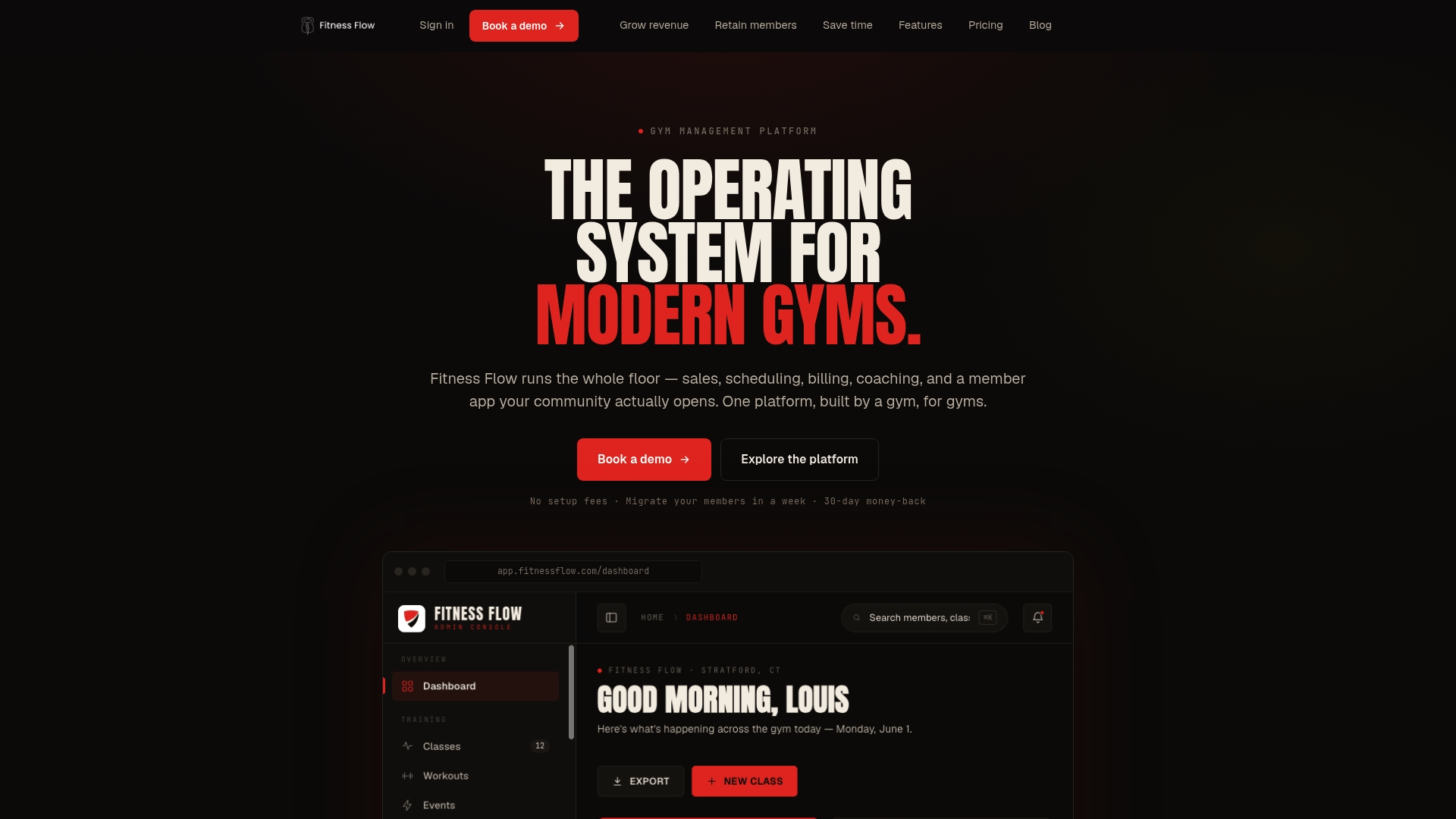
Fitness Flow is all-in-one gym management software for independent gyms, studios and multi-location operators. Member records, class scheduling and booking, recurring billing, the fully branded member app and automated member retention workflows sit together, which keeps your birthday data and your member communication in one place. Migration support and integrations with payment and communications tools are part of how we set gyms up.
Plans are Solo at $149 per month and Studio at $349 per month, and Multi-site is available for operators with several locations. See the options on the Fitness Flow plans page or read how we describe the platform for gyms.
If you already use other tools for email or texting, our guide to Zapier for gyms shows how to connect them so that a member update flows through to every system.
FAQ
How far ahead of the birthday should a gym send the email?
Start 3 to 7 days before. That gives the member time to book a class or bring a friend. Follow up on the day with a short greeting, and send one reminder shortly before the gift expires.
Do I need the member’s birth year?
No. Month and day are enough for a birthday message, and they are easier to collect and less sensitive to store. Keep the year only if you use it for a separate, stated purpose.
Do birthday emails count as marketing under U.S. law?
If the email promotes a guest pass, credit or other offer, treat it as commercial. Include your physical address, accurate sender details and a working unsubscribe link, as the CAN-SPAM Rule framework sets out. Have a lawyer check your templates if you are unsure.
Can I send the same birthday offer by text message?
Only to members who gave express consent to receive texts. Federal rules require identification of the sender, a free opt-out and stopping within 10 days of a request. Collect text consent separately from email consent.
What should I do about members with no birthday on file?
They will not trigger the workflow, so fill the gap. Ask in the app profile, at check-in and on the next renewal touchpoint, and flag records with empty or impossible dates in your regular data review.
Sources
- Birthday Outreach SOP for a Fitness VA
- Budget Gym Chain Client Birthday and Milestone Tracking
- 16 CFR Part 316, CAN-SPAM Rule (eCFR)
- 47 CFR § 64.3100, Restrictions on mobile service commercial messages