QR Code Check-In for Gyms: How It Works and How to Set It Up

A QR code check-in system lets a member scan a code on their phone or at a scanner, and the gym records the visit against that member’s account. It pays off when the scan updates the same system that holds memberships, class bookings and billing. A code that only logs a name in a spreadsheet saves the front desk a few seconds. A code tied to the member record tells you who is slipping away before they cancel.
This guide is for owners and managers of independent gyms, studios and multi-location operations. It covers how the scan works, how to set it up step by step, where it goes wrong, and what to look at before you choose a system.
Getfitnessflow
Connect Check-Ins to Member Records
Fitness Flow brings gym management together, helping connect scheduling, billing and member engagement without juggling multiple software subscriptions.
TL;DR
- QR check-in works one of two ways: the member shows a code that your scanner reads, or the member scans a code at the door that opens their own check-in.
- The scan only matters if it lands in your gym management system, so attendance, class bookings and billing stay in one record.
- Set it up in six steps: pick the flow, place the code, connect it to member records, set the rules, plan for failures, then train staff and members.
- Plan for the member whose phone is dead or who has no app. A manual lookup at the desk must always work.
- Check privacy before launch. A QR scan collects far less personal data than biometrics, which makes your compliance work simpler.
Table of Contents
- What a QR code check-in system is
- Why the scan has to reach your member records
- How to set up QR code check-in, step by step
- What to look for in a QR check-in system
- Privacy and data: what a QR scan does and does not collect
- What the scan data lets you do
- Promo: attendance, billing and the member app in one place
- Our perspective
- FAQ
- Sources
What a QR code check-in system is
A QR code is a square barcode that a phone camera or scanner reads in a moment. In a gym, it stands in for a key fob, a membership card or a name given to the front desk.
There are two common designs, and the difference decides everything else about your setup.
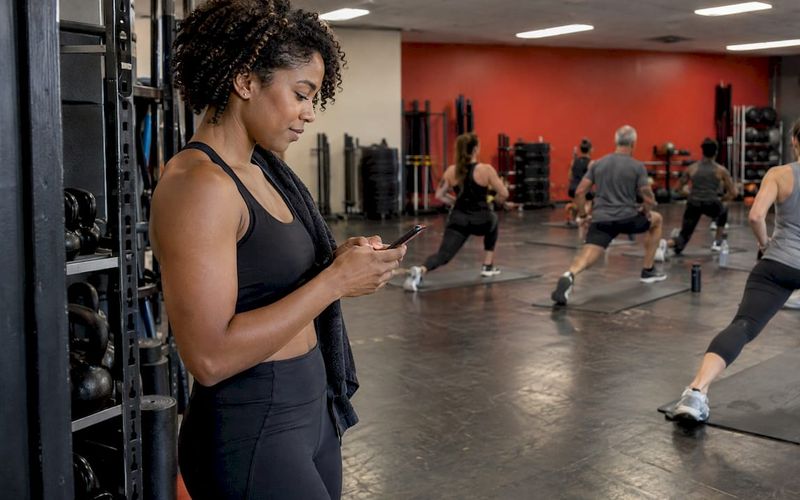
The member shows a code. The member opens the gym’s app and displays a personal code. A scanner at the desk or turnstile reads it. One national chain describes this flow: members open their app, tap Check In, and scan a time-limited QR code at the front desk. The same support page says members can also check in from an Apple Watch. A time limit matters because a screenshot of last week’s code should not get anyone through the door.
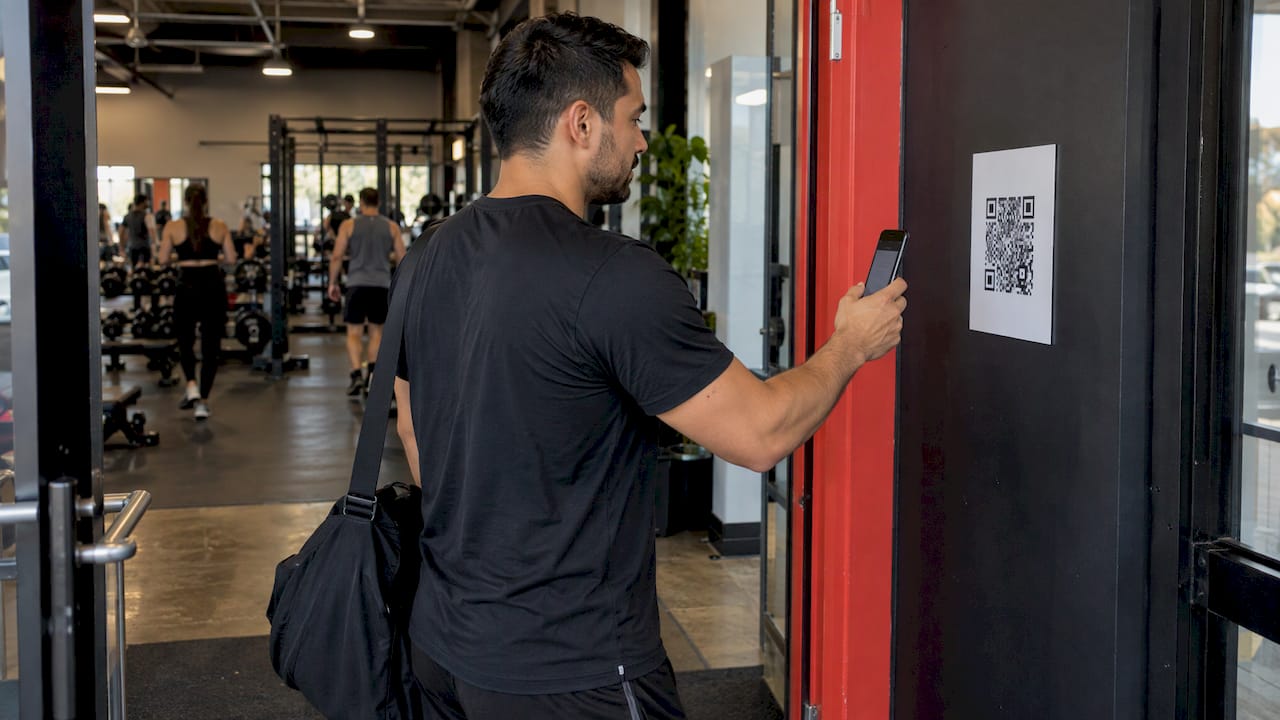
The member scans a code. A printed code sits by the entrance. The member scans it with their phone, which opens a check-in page or the gym’s app and logs the visit. This needs no scanner hardware, but it only works when the member is identified, usually by being logged in.
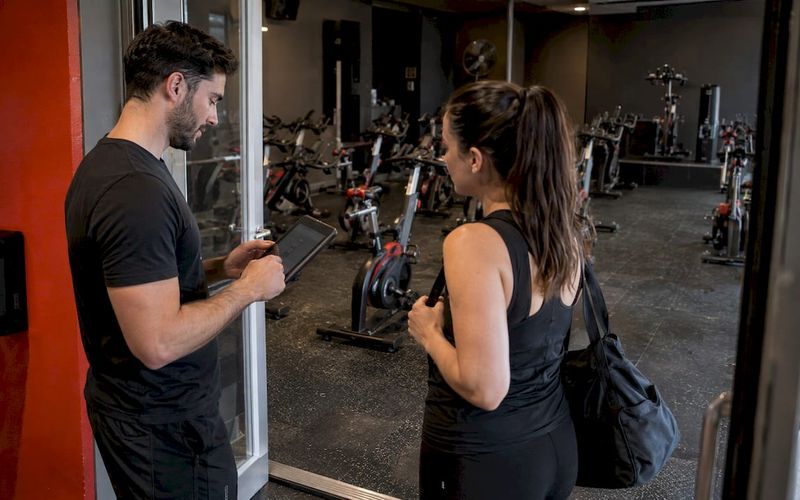
The first design suits staffed desks and turnstiles. The second suits studios with lighter staffing, or classes where the instructor wants a quick arrival count. Many gyms run both: personal codes at the front door and a class code in the studio.

Why the scan has to reach your member records
The search results for this topic are mostly written for event organizers: one-time tickets, guest lists, attendee badges. A gym is a different problem. Your attendees are the same few hundred or few thousand people, over and over, and every visit means something.
A visit is a data point about retention. A member who came four times a week and now comes once is telling you something, and the scan is how you hear it. That only works when the check-in feeds the system that also knows:
- which plan the member is on and whether the payment cleared
- which classes they booked, and whether they showed up
- which location they use
- when they last opened the app
When check-in is a separate tool, someone has to reconcile it by hand, and in practice no one does. The records drift apart, and you end up making retention decisions on a feeling at the front desk.
The cleanest arrangement is a check-in that opens through the gym management software itself. Even guides written by QR code vendors point this way: if your software has a web-based check-in link, members can use it directly and attendance is tracked automatically in the system you already run. Our own attendance guides go deeper on what to do with the numbers: the method behind gym attendance tracking and how class attendance data helps you save members in their first 30 days.
How to set up QR code check-in, step by step
1. Decide who checks in, and how
Start with your people, not the technology. List the situations you need to cover:
- a member arriving at an open-access gym
- a member arriving for a booked class
- a guest or drop-in with a day pass
- a trial visitor
- a staff member or trainer
For each, decide whether the member shows a code or scans one. Where it goes wrong: owners pick one flow for everyone, then discover that guests have no app and class attendees queue behind each other at a single scanner. Settle the exceptions first.
2. Choose where codes live and where they are placed
If members show a code, it lives in their app or wallet. If they scan one, it is printed and mounted. For a printed code, practical guidance from a QR vendor suggests placing it at eye level beside the door or turnstile, sizing it at least 8 cm by 8 cm so it scans from arm’s length, and laminating or framing it because entrances get humid and grubby. That is common sense worth following: about 3 inches is too small, and a curled, smudged code is the most common reason a scan fails.
Place it where members naturally slow down, not where a crowd forms. Keep it away from glare, glass doors that reflect light, and spots where a person’s body blocks the scan.
3. Tie every scan to a member record
This is the step that separates a gym system from an event tool. Each scan must resolve to one member, one plan and one location. Check that:
- the scan updates attendance on the member’s profile, not a separate list
- a class booking is marked as attended when the member checks in for it
- a member with a failed payment or expired plan gets a clear message at the desk, not a silent green light
- a multi-location member is recognized at any site, if your plan allows it
Where it goes wrong: you run a standalone QR tool, export a CSV every week and paste it into your member system. This works for a month. After that it is a chore somebody drops.
This is the part Fitness Flow takes off your hands. Memberships, class scheduling and booking, recurring billing, the branded member app and reporting live in one platform, so attendance sits beside the plan and payment it belongs to. You do not stitch together several subscriptions to get that picture.
4. Set the rules
Write down the rules before you launch, so staff are not inventing them at the door:
- Time windows. How early can a member check in to a class? Can someone check in twice in one day?
- Code lifetime. A code that refreshes or expires makes screenshots useless.
- Plan limits. Does a 10-visit pass deduct a visit on scan?
- Late arrivals. Does a member scanning five minutes after class start still count as present?
- No-shows. What happens to a booking when nobody scans? If you charge late cancellation or no-show fees, the scan is your proof of attendance. We cover that logic in automating late cancellation fees.
The rules matter most for fees. A member who disputes a charge will ask whether they were scanned in. If your attendance record is clean, that conversation is short.
5. Plan for failures
Every QR flow fails sometimes. The phone is dead, the member forgot their login, the Wi-Fi is down, the scanner camera is smudged. Decide in advance:
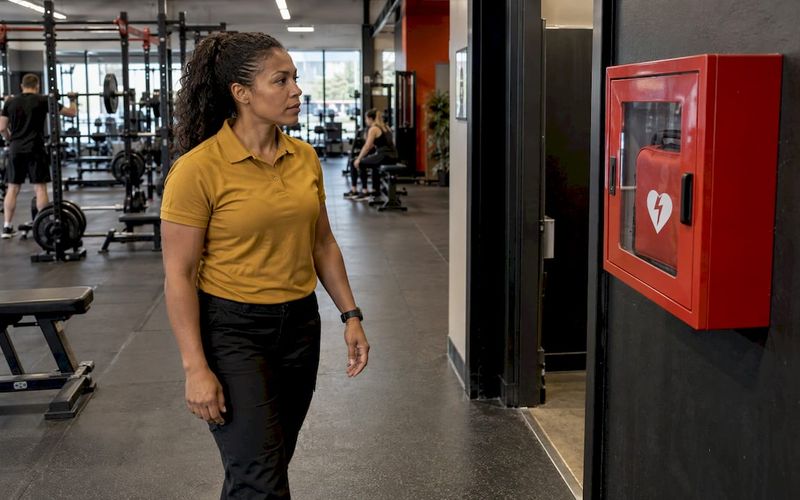
- A manual lookup at the desk. Search by name or phone number, confirm identity, check the member in. This must always be available and quick.
- A fallback for no connection. Cellular data on the member’s phone, or a posted instruction for what to do if the gym network is down.
- A path for members without smartphones. Some members, including many older ones, will not use an app. Give them a card or a desk check-in, and do not make them feel like a problem.
- A cleaning routine. Wipe scanners and replace worn printed codes on a schedule.
Where it goes wrong: the desk has no manual option, so one failed scan holds up a line of people at 6 a.m. Make the fallback fast enough that staff prefer it to arguing with the scanner.
6. Launch with staff first, then members
Train the team on the flow, the exceptions and the script for helping a member who is stuck. Then announce to members with a short instruction: where the code is, what to open, what to do if it does not work. Put the same instruction on the wall near the entrance.
A check-in only helps retention if members use the app regularly. That is why the launch is also an app-adoption project. Our guide to getting members to use your gym app covers the habits that make that stick.
What to look for in a QR check-in system
When you compare options, judge them on the work they save you and the records they keep, not on the number of scanning features. Here is what matters for a gym.
What to checkWhy it mattersWhat you want to see
Connection to member records
Attendance must sit beside plan and payment
One profile per member, updated by each scan
Class booking link
Scan confirms who showed up
Check-in marks the booking as attended
Multi-location support
Members visit more than one site
One member record recognized at every location
Branded app
Members check in where they already engage
The code lives in an app that carries your brand
Reporting
Attendance only matters if you can read it
Visit frequency by member, class and location
Manual fallback
Scans fail
Fast desk lookup for any member
Data handling
You hold personal information
Minimal data collected and clear consent records
Notice what is missing from the list: a separate QR generator. A code is the easy part. The hard part is everything that happens after the scan, and that is where a single platform earns its place.
Privacy and data: what a QR scan does and does not collect
Check-in data is personal data. It records when a named person was at a specific place, which is information about their habits. If you have members in California, the state’s privacy law, the California Consumer Privacy Act, gives them rights over the personal information a business collects, including the right to know what is collected and to ask for its deletion. Ask your own attorney how it applies to your gym.
One practical advantage of QR check-in is that it avoids biometric collection. A fingerprint or face scan creates sensitive data that carries heavier obligations. A QR scan identifies the member through an account instead. That keeps your data footprint small, which is easier to explain to members and easier to secure.
A few habits keep it that way:
- Collect only what you need to identify the member and record the visit.
- Limit who on your staff can see attendance history.
- If you text or email members about their attendance, keep proof of their consent. Our guides on SMS consent for U.S. gyms and TCPA rules list what to collect and keep.
- If you serve members in Europe, see our GDPR guide for gyms.
This matters for retention too. Many gyms use missed visits to trigger a friendly message. That is only a good idea if the message is consented to and sent through a system that records the consent.
What the scan data lets you do
Once check-in feeds your records, you can act on it. A few examples of rules a gym can build on attendance:
- A welcome sequence. A new member’s first three visits trigger a message that names the next class to try.
- A slump alert. A member who has not scanned in 10 days gets a personal note from a coach.
- A class health view. You see which class times fill and which have regular no-shows, and you adjust the timetable or waitlist.
- A location view. For multi-site owners, you compare visits per member across sites and see which location holds its members.
Fitness Flow reports a 27% average increase in member retention and 12 hours saved on administrative tasks each week for gyms that run on the platform. The mechanism is not mysterious. When attendance, billing and engagement sit in one place, you spend less time reconciling and more time contacting the members who need it.
Promo: attendance, billing and the member app in one place
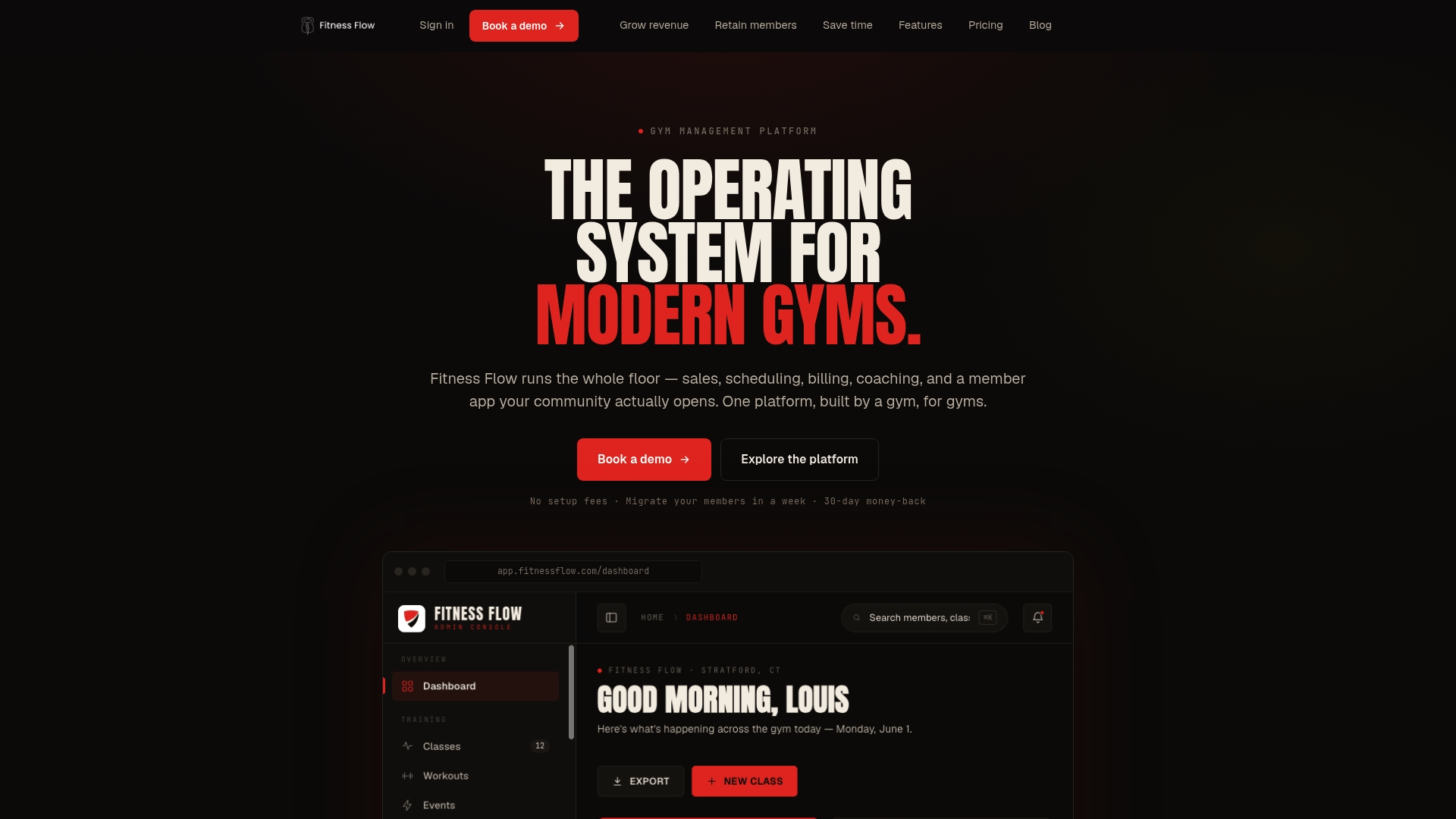
If you want check-in to feed memberships, class bookings and billing without a pile of separate subscriptions, Fitness Flow was built for that. It covers sales and lead tracking, scheduling and booking, recurring billing, a fully branded member app, reporting and multi-location management in one platform, and includes migration support and integrations with payment and marketing tools.
Plans are tiered by gym size: Solo at $149 per month and Studio at $349 per month. Multi-site has no published price. See the plans and pricing.
If you are comparing platforms first, our overview of the best gym management software for fitness studios sets out what to compare.
Our perspective
Most owners ask us about QR codes as if the code were the product. It is not. The code is a doorway. What matters is the room behind it: whether the visit you just recorded changes anything for the member, the coach or the owner.
We built Fitness Flow around one idea: a gym should not need five subscriptions to answer one question, which is whether this member is staying. When scheduling, billing, the branded app and attendance are one system, a check-in is not a data entry job. It is the signal that starts the right workflow, whether that is a welcome, a nudge or a thank-you.
That is also why we care about the member app. A member who opens your app to check in sees your classes, your community and your content every time they walk in. Check-in becomes a habit, and the habit is what holds retention up.
If you take one thing from this guide, make it this: choose the system first, then the scan. A good platform makes the scan the smallest part of your day.
Louis
FAQ
How do I create a QR code for gym check-in?
The code should come from your gym management system, so each scan is linked to a member record. A code generated elsewhere can open a page, but it will not update attendance, bookings or billing unless it connects to your software. Set up the flow, place the code, and test it with a few staff members before launch.
Can members check in without a smartphone?
Yes, and your setup should allow it. Keep a desk lookup by name or phone number so staff can check in any member quickly. A membership card with a code is another option for members who prefer not to use an app. The aim is that no member is turned away because of a dead battery or a missing app.
Is QR check-in safe for member privacy?
It is a lighter option than biometric check-in because it identifies the member through an account rather than a fingerprint or face scan. You still hold personal data, so limit who can see it, collect only what you need, and keep consent records for any messages you send. California members have rights under the CCPA, so check your obligations with your attorney.
Does QR check-in work across multiple locations?
It can, if your system keeps one member record across all sites. The scan at any location then updates the same profile, and you can compare visits by member and by site. Fitness Flow supports multi-location management, and the Multi-site plan is the one built for it. Its price is not published.
What should I do when a scan fails?
Use the desk lookup, check the member in by hand, and move on. Afterward, look at the cause: a worn printed code, glare, a dead phone or a weak connection. Most failures come from the same few causes, and you can fix them with better placement, a clean scanner and a clear instruction on the wall.
Sources
- What is Touch-Free Club Check-In? 24GO Support
- QR Codes for Gyms & Fitness Studios: Guide 2026
- California Consumer Privacy Act, California Attorney General