

Gym Email Automation: What to Send, When and Why

Gym email automation is a small set of emails that fire on their own when a member or lead does something: signs up, books, misses a week, goes quiet. The gyms that get value from it keep the list short and tie every email to a trigger, usually attendance. That only works when your member list, class bookings, billing and email all live in one system. That is how Fitness Flow is built: automated member retention workflows sit on the same data as scheduling, billing and the branded member app, so an email can react to what a member actually did.
Getfitnessflow
Keep Members Engaged Between Visits
Fitness Flow brings scheduling, billing and member engagement together, with automated retention workflows connected to the data behind your gym.
TL;DR
- Start with six automations: welcome, transaction confirmations, lead nurture, class reminders, milestones and an inactivity check-in.
- Onboarding is the highest-value sequence. Aim it at one outcome, such as getting a new member to a third visit in the first weeks.
- Trigger emails from attendance, not from the calendar alone. A member who is slipping needs a different message than one who is thriving.
- Keep the cadence light: transactional emails as needed, a few promotional emails a month, and fewer for people who are already engaged.
- Every marketing email needs a working unsubscribe and honest headers. Under CAN-SPAM, using a vendor does not move that responsibility off your gym.
Table of Contents
- What gym email automation can handle
- What you need before you switch anything on
- The onboarding sequence: your most valuable automation
- Make the first 90 days behavior-led
- How often to email members and leads
- Email, SMS and the app
- Keep it legal: CAN-SPAM basics
- Measure what the automations actually change
- Common mistakes
- Where Fitness Flow fits
- Our perspective
- FAQ
- Sources
What gym email automation can handle
The Association of Fitness Studios lists six email types that suit automation:
- Welcome emails for new signups.
- Transaction confirmations for payments, class bookings and account changes.
- Lead-nurture emails sent on a set timeline, for example once a week for a month.
- Class reminders sent 24 hours before a booked class.
- Milestone recognition, such as birthdays, membership anniversaries or a 100th visit, optionally with a small gift.
- Check-in emails to members who have been inactive for 30 days.
Notice what these have in common. Each one answers a moment the member is already in. None is a newsletter you have to remember to write. That is why they save time: once the trigger and the copy are set, the email goes out without you.
Birthdays are the easiest first win. We cover timing and offers in our guide to automated birthday emails.
What you need before you switch anything on
Automation is only as good as the data behind it. Before you write a single email, check that you can answer these questions from one place:
- Who is this person? Lead, trial, active member, frozen or lapsed. Each status needs different emails, so the status has to be recorded, not remembered.
- What did they do last? Booked a class, attended, missed, hit a visit milestone. Attendance is the trigger that makes retention emails relevant.
- What is their billing state? A failed payment should start a recovery sequence, not a promotional email.
- Did they agree to receive marketing? Keep consent and unsubscribe status attached to the contact record.
When these live in separate tools, someone has to export, match and upload lists by hand, and that is where automations quietly break: a member who cancelled still gets a “come back” email, or a lead who joined still gets the nurture series. Running CRM, scheduling, billing and the member app in one platform removes that handoff. Fitness Flow also offers integrations with payment and communications tools, and migration support when you move your existing member data in.
The onboarding sequence: your most valuable automation
New members are the most likely to drift away, and the first weeks set the pattern. A good onboarding series has one job. A common framing is getting the member to a third visit within the first month, because by then the habit has started to form.
Published templates differ in detail but agree on the shape. One widely shared first-30-day template uses six emails across a month: a welcome within an hour of signup with a prompt to book a class within 48 hours, then check-ins at roughly day 3, 7, 14, 21 and 30. Treat that as a template to adapt, not a rule. Here is a version that works for most studios and gyms:
WhenTriggerPurpose
Within an hour of signup
Membership starts
Logistics, what to bring, where to park, a booking link
Morning after first visit
First attendance logged
Thank them, ask for a one-line reply about how it went
Day 3, if no visit yet
No attendance logged
Offer three beginner-friendly classes to choose from
Day 7
Time-based
Encourage booking next week’s classes
Day 14
Time-based
Show their visit count, introduce a class they have not tried
Day 28 to 30
Time-based
Ask for feedback, then a referral or review
Two details matter more than the exact days.
First, split the branch. The “morning after the first visit” email and the “no visit yet” email are different messages. A new member who has already come in does not need to be told to book a first class, and one who has not needs a gentle push rather than a congratulations. Branching on attendance is only possible if the email system can read the attendance record.
Second, make the reply easy. A one-line question gives you a real answer from the member and starts a conversation with the front desk or coach. Make sure replies land in an inbox someone checks.
If you ask for reviews or referrals on day 28 to 30, send it to members who have had a good experience and keep the ask simple. Wrap it in a clear unsubscribe link, as with any marketing email.
For the bigger picture of the first three months, our 90-day retention playbook shows how email fits with in-person touchpoints.
Make the first 90 days behavior-led
A calendar-only sequence sends the same message to everyone. A behavior-led one reacts. One retention template describes the idea as separate paths: members attending consistently get reinforcement, while those falling below an early attendance baseline move into an intervention path, so you reach out while there is still a relationship to save.
In practice, set up three paths:
- On track: attending as planned. Send progress notes, milestone messages and the next class or program to try.
- Slipping: a visit or two below their own early pattern. Send a short, personal-sounding note from a coach, with a link to book.
- Gone quiet: no visits for around 30 days. This is the AFS check-in email, and it can lead into a win-back series.
The point of a coach’s note is that it feels human. Pairing email with accountability habits helps too: a member who has a plan and a reason to show up is easier to keep. For a member-facing angle on staying consistent with training, it is worth giving your coaches something to point members toward.
When a member has already gone quiet, two or three emails tied to attendance work better than a long drip. We lay out the sequence in win-back emails for gyms, and the tracking side in attendance tracking for gym owners.
How often to email members and leads
There is no single correct number, and any article that gives you one for every gym is guessing. Think in layers instead.
Transactional emails (booking confirmations, receipts, class reminders, account changes) go out whenever the event happens. Members expect them, and they should be short and plain. AFS advises short, simple wording and an explicit call to action, especially in payment reminders.
Lifecycle emails (the onboarding and win-back series above) follow the member’s own timeline. They are limited by design: six emails in a month for a new member is plenty.
Promotional emails (challenges, new programs, events) are where gyms overdo it. A practical approach is to set a ceiling, such as a few a month, and enforce it across all your automations so a member in onboarding does not also receive every campaign. Leads on a nurture track are the exception: a weekly touch for about a month is a common pattern, then stop or move them to a slower list.
Tailor by audience:
AudienceLean toward
New lead
Weekly for about a month, one clear next step each time
Trial or new member
The onboarding series, and pause general promotions
Active, attending member
Reminders, milestones, occasional news
Slipping or quiet member
Attendance-triggered notes, then a short win-back series
Failed payment
A dedicated recovery sequence, see dunning emails for gyms
Then watch your own numbers. If unsubscribes or complaints rise after you add an email, the cadence is too heavy for that audience.
Email, SMS and the app
Email is good for detail and anything a member may want to refer back to. Texts are better for time-sensitive nudges, but they carry stricter consent requirements. If you plan to add them, read our guides on whether your gym should run SMS marketing and the consent items you must collect and keep. The branded member app adds a third channel for reminders and class content, which means you do not have to push everything through the inbox.
Keep it legal: CAN-SPAM basics
In the U.S., the CAN-SPAM Act covers commercial email, and the FTC’s compliance guide states that it applies to all commercial messages, not just bulk mail. The essentials for a gym:
- Use accurate “From”, “To” and “Reply-To” information that identifies your gym.
- Write subject lines that reflect what is inside.
- Include your physical postal address and a clear way to opt out.
- Honor opt-outs promptly. The FTC specifies 10 business days, and your opt-out method must keep working for at least 30 days after you send.
- If a vendor sends for you, you are still responsible for compliance.
Transactional messages, such as a receipt or booking confirmation, are treated differently from promotional ones, but keep their content to what the transaction needs. Do not slip a sales pitch into a payment reminder.
This is general information, not legal advice. If you operate in several states or want a template reviewed, ask your attorney.
Measure what the automations actually change
Open rates are the easy number and the weakest signal. They tell you whether a subject line worked, which AFS suggests monitoring to confirm members are reading and finding emails useful. They do not tell you whether anyone came to class.
For scale, Orangetheory Fitness reported early results from its customer-journey emails of 11 million emails with a 65% open rate and deliverability above 96% across email and SMS. That is a national brand with a large program; use it as context, not a target for a single studio.
Track results in this order:
- Behavior after the email. Did the member book or attend within a few days of the message? This is the real test of a reminder, a check-in or a win-back.
- Onboarding completion. What share of new members reach the third visit in their first month?
- Retention. Compare members who went through the sequence with earlier cohorts at 90 days.
- Revenue effects. Recovered failed payments and reactivated members.
Our breakdown of retention metrics every membership manager should track shows how to calculate each of these.
Common mistakes
- Sending the same email to everyone. Segment at least by lead, new member, active and quiet.
- Letting sequences overlap. A member in onboarding who also gets the monthly promo and a win-back email is on too many lists.
- Dead data. If cancellations and freezes do not stop emails automatically, your automation is working against you.
- Long messages. Reminders and confirmations should be read in seconds.
- No owner. Assign a person to review each sequence every quarter and to read member replies.
- Set and forget. Check your welcome email by signing up yourself once in a while.
For a wider view of what to automate across the member lifecycle, see what to automate in gym retention.
Where Fitness Flow fits
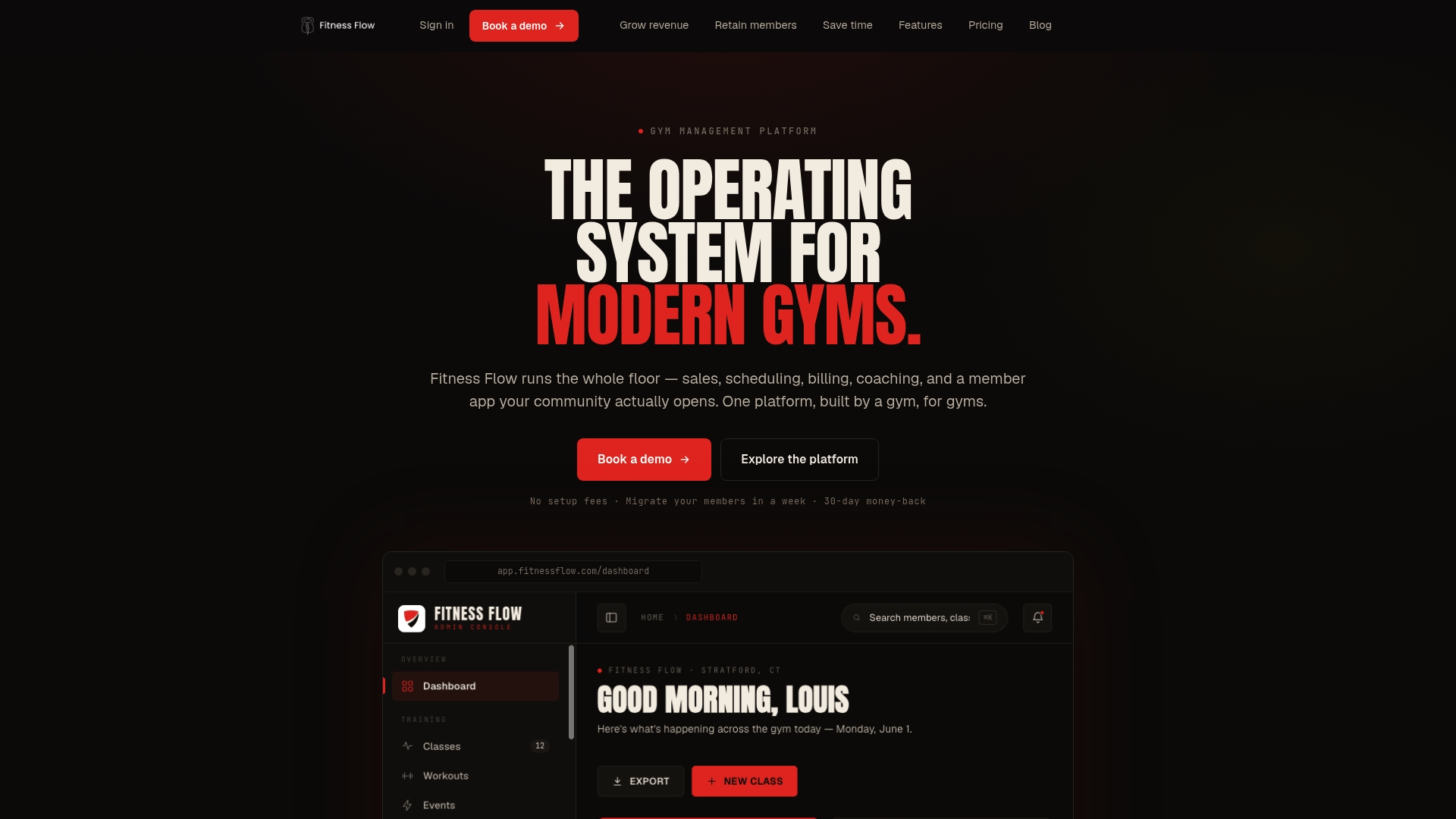
Fitness Flow is an all-in-one gym management platform that covers sales and lead tracking, CRM, class scheduling and booking, recurring billing, a fully branded member app and automated member retention workflows. Because those pieces share one member record, the emails in this article can be driven by attendance and billing events instead of manual lists. Our figures, as we report them, are a 27% average increase in member retention and 12 hours saved on administrative tasks each week.
Plans are Solo at $149 per month and Studio at $349 per month, with Multi-site available for owners running several locations. You can see them on our plans page, or look at how Fitness Flow works for gyms.
Our perspective
Most gym owners we talk with do not have an email problem. They have a data problem. The welcome email is easy to write. What is hard is knowing, a week later, whether that member showed up.
That is why we built scheduling, billing, the member app and retention workflows into one platform. When attendance, payments and messaging share a record, automation stops being a list of campaigns and becomes a way to notice a member drifting and respond while it still matters.
Our advice is to start small: an onboarding series, class reminders and an inactivity check-in. Make them reflect your gym’s voice, review them every quarter, and let attendance decide who gets what.
Louis
FAQ
What is the best first email automation for a gym?
Start with the welcome and onboarding series. It reaches every new member at the moment they are most engaged, and it has a clear goal: getting them to come back for a second and third visit. Add class reminders next, then an inactivity check-in.
How many emails should a gym send each month?
It depends on the audience. Transactional emails go out when the event happens, lifecycle emails follow the member’s timeline, and promotional emails should have a set monthly ceiling. Reduce promotions for new members who are in onboarding, and watch unsubscribes to see if you are sending too much.
Do gyms need permission before sending marketing emails?
Under CAN-SPAM, the FTC does not require prior opt-in for commercial email, but you must include an opt-out, honor it within 10 business days and keep the mechanism working for at least 30 days after sending. Texting has stricter consent rules, so handle it separately. For your specific situation, check with your attorney.
How do I know my automated emails are working?
Look at what members do after the email, not only whether they opened it. Track bookings and visits within a few days, third-visit rates for new members, and 90-day retention compared with earlier groups.
Sources
- Use Email Marketing Automation to Improve the Member Experience at Your Gym (Association of Fitness Studios)
- First-30-Day Member Onboarding Email Template (FITT Finder)
- Membership Retention Plan Template (Gym Membership Tips)
- CAN-SPAM Act: A Compliance Guide for Business (FTC)
- Orangetheory Fitness presentation, Iterable Activate 2024